Free AI Event Planning Flowchart Generator
Turn any event idea into a chronological planning roadmap with phases, milestones, deadlines, and budget checkpoints — powered by GPT-5
Try an Example
Click on any example below to auto-fill the form
Wedding (250 guests)
In-person, 6 months out, full vendor coordination
Tech Conference
Hybrid, 4 months out, speakers and sponsors
Product Launch
In-person, 2 months out, marketing-focused
Virtual Webinar
Virtual, 6 weeks out, registration-driven
Search History
How It Works?
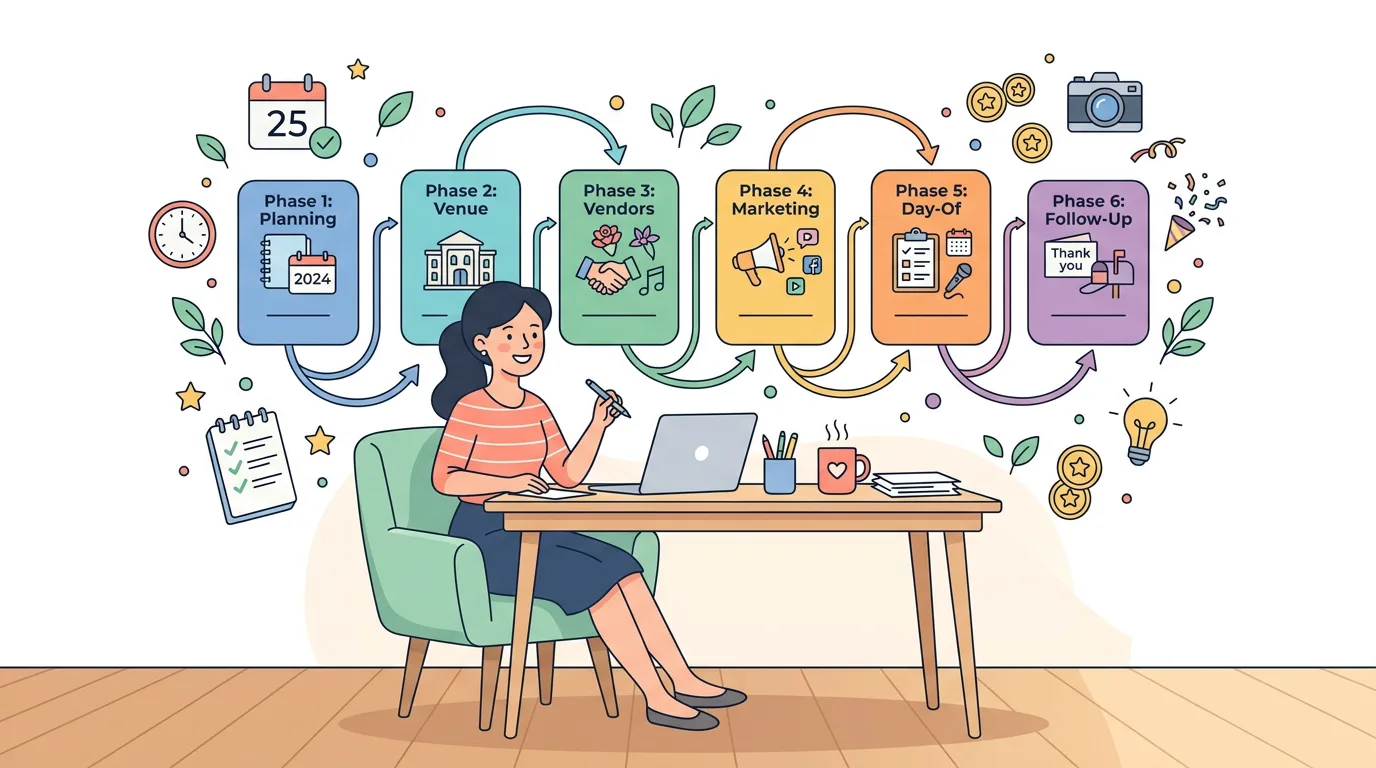
Our AI Event Planning Flowchart Generator, powered by GPT-5, turns any event idea into a chronological roadmap with planning phases, milestones, deadlines, and budget checkpoints — so you always know what's next and what depends on what.
Three Simple Steps:
Step 1: Enter your event type, date, attendees, and budget
Step 2: Optionally flag what you'll need (venue, vendors, marketing, speakers)
Step 3: Click "Generate Event Flowchart" and get a phase-by-phase roadmap with owners, deadlines, dependencies, and risk notes
Edit any task, refine with AI, copy to clipboard, or download as CSV.
Why Use Our AI Event Planning Flowchart Generator
Chronological Phases — Not Just a Checklist
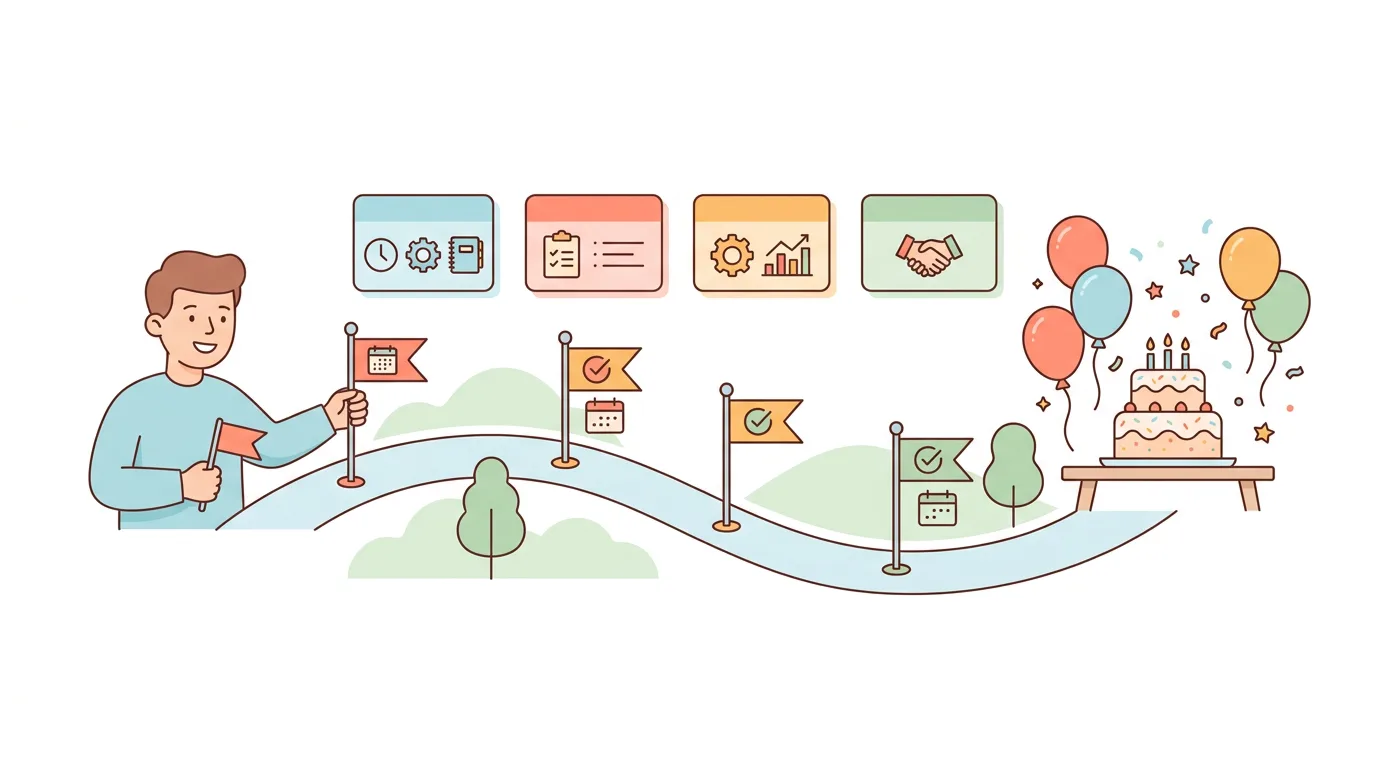
Generic event checklists tell you what to do. This tool tells you when to do it. Every phase is sequenced from planning setup to post-event follow-up, with each task carrying a deadline relative to the event date and dependencies on earlier phases.
Owner Placeholders, Dependencies & Risk Notes
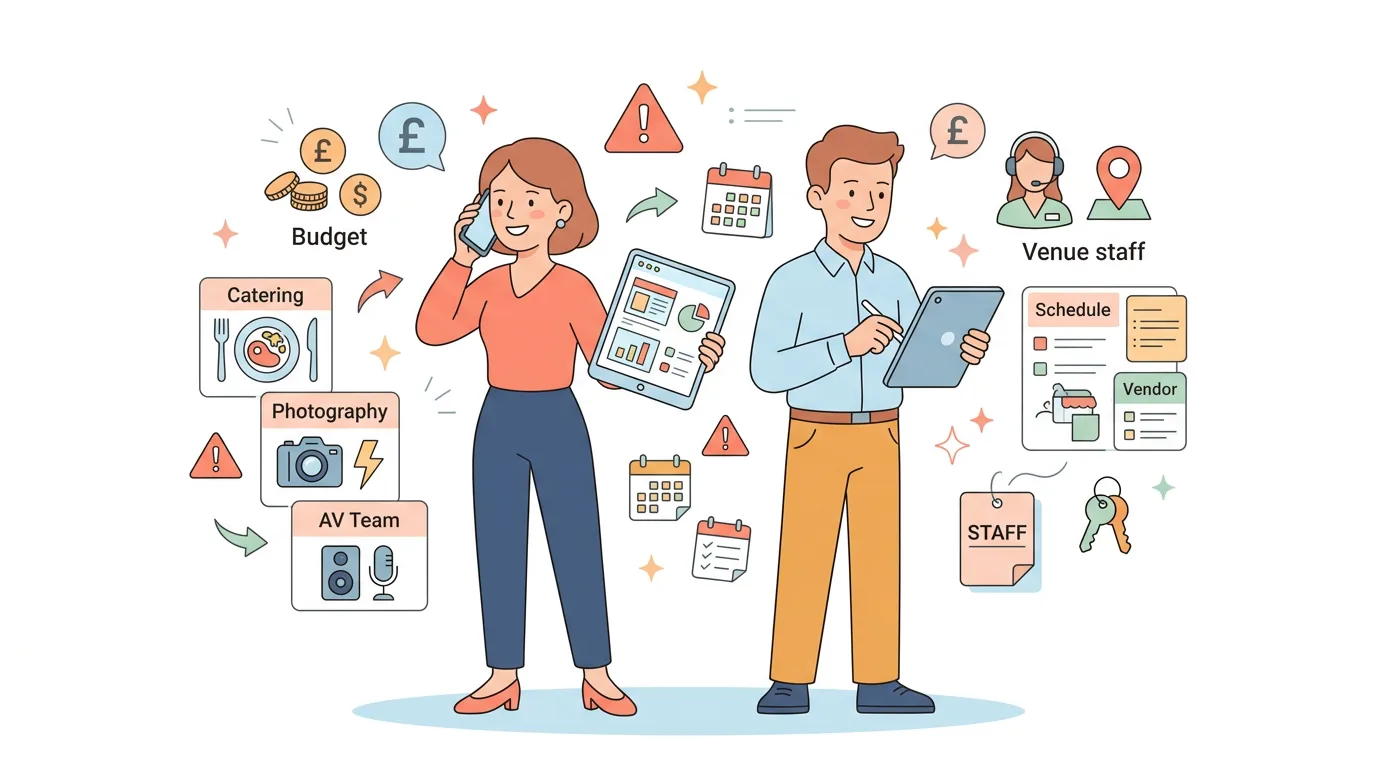
Every task carries an owner (Event Lead, Vendor, Marketing, Day-of Coordinator), what it depends on, and where useful, a short risk note — so you spot vendor cancellations, late RSVPs, and AV failures before they derail your event.
Day-of Execution & Post-Event Follow-up Built In
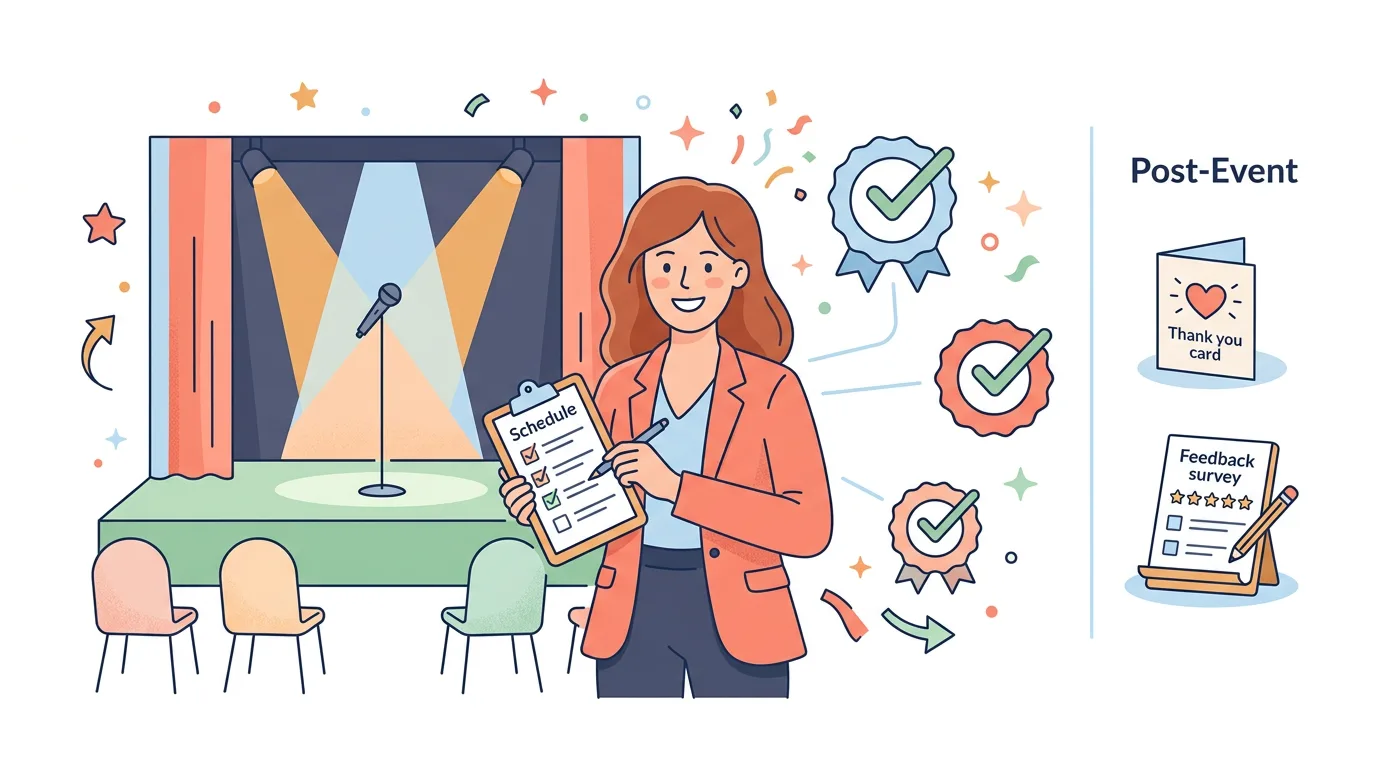
The flowchart doesn't stop at "the event happened." You get a dedicated day-of execution phase with run-of-show items, and a post-event follow-up phase covering thank-yous, vendor settlements, feedback, and learnings — the parts most planners forget.
Frequently Asked Questions
An AI event planning flowchart generator takes your event details — type, date, attendees, budget, format — and produces a chronological visual roadmap of every planning phase. Instead of a flat checklist, you get sequenced phases with deadlines, dependencies, owner placeholders, and budget checkpoints, so you can see what needs to happen and when it needs to happen.
The AI works backward from your event date. Major decisions (venue, vendors, contracts) get pushed earlier in the timeline, dependent tasks (invitations, final headcount, run-of-show) get sequenced later, and day-of and post-event phases are always included. Each deadline is expressed relative to your event date — for example, "8 weeks before event" or "Week after event" — so the timeline holds up no matter when you start planning.
Yes. The tool adapts the flowchart based on event format. Virtual events emphasize platform setup, registration flow, speaker tech rehearsals, and engagement tools, while skipping in-person logistics. Hybrid events combine both — you'll get venue and AV tasks alongside virtual platform and stream-monitoring tasks. The phases reshape themselves to match how your event will actually run.
Anything from intimate gatherings to large-scale productions: weddings, birthday parties, corporate conferences, product launches, charity galas, trade show booths, tech meetups, virtual webinars, training workshops, fundraisers, retreats, and more. The AI picks up cues from your event type, attendee count, and budget to scale the complexity of the roadmap appropriately — a 25-person dinner won't get the same phase depth as a 5,000-person conference.
Yes — completely free with no sign-up required. Powered by GPT-5 AI to generate detailed event planning flowcharts instantly. Edit results inline, copy to clipboard, download as CSV — all at no cost. If you want to actually execute the plan with teammates, you can sync it to WeGoDoo for free task management.
A checklist gives you tasks. A flowchart gives you sequence. Generic checklists don't tell you what depends on what, when each item must be done, or which tasks carry the highest risk. This tool produces a visual roadmap where each phase has a clear milestone, budget checkpoint, owner roles, and risk flags — so you understand the planning logic, not just the to-do items.