Free AI Incident Report & Corrective Action Generator
Turn rough incident notes into a clear report, potential contributing factors, and an actionable prevention plan — powered by GPT-5. Free, no sign-up.
Try an Example
Click on any example below to auto-fill the form with a realistic incident
Slip & Fall — Warehouse
Wet floor near the loading dock, minor wrist injury
Near Miss — Forklift
Reversing forklift and a picker in a shared aisle
Minor Injury — Kitchen
Hot oil burn during a busy lunch service
Property Damage — Vehicle
Van scrape while reversing into a dim loading bay
Search History
How It Works — Turn Rough Incident Notes Into a Report and Prevention Plan
Our AI Incident Report & Corrective Action Generator, powered by GPT-5, turns rough notes about what happened into a structured incident report — summary, incident details, a chronological narrative, potential contributing factors, and prioritized corrective actions your team can actually follow through on.
Three Simple Steps:
Step 1: Describe what happened — paste rough notes in your own words; add the date, location, or people involved if you have them.
Step 2: GPT-5 structures the incident — a professional summary, incident details, a chronological narrative, and contributing factors, with anything missing clearly marked "Not provided", never invented.
Step 3: Get corrective actions & follow through — prioritized corrective actions with suggested owners and timelines, a prevention plan, and a scannable checklist you can track in WeGoDoo.
Edit any section inline, copy everything, download as CSV, or print to PDF for your records.

Why Use Our Free AI Incident Report Generator
From Messy Notes to a Professional Report
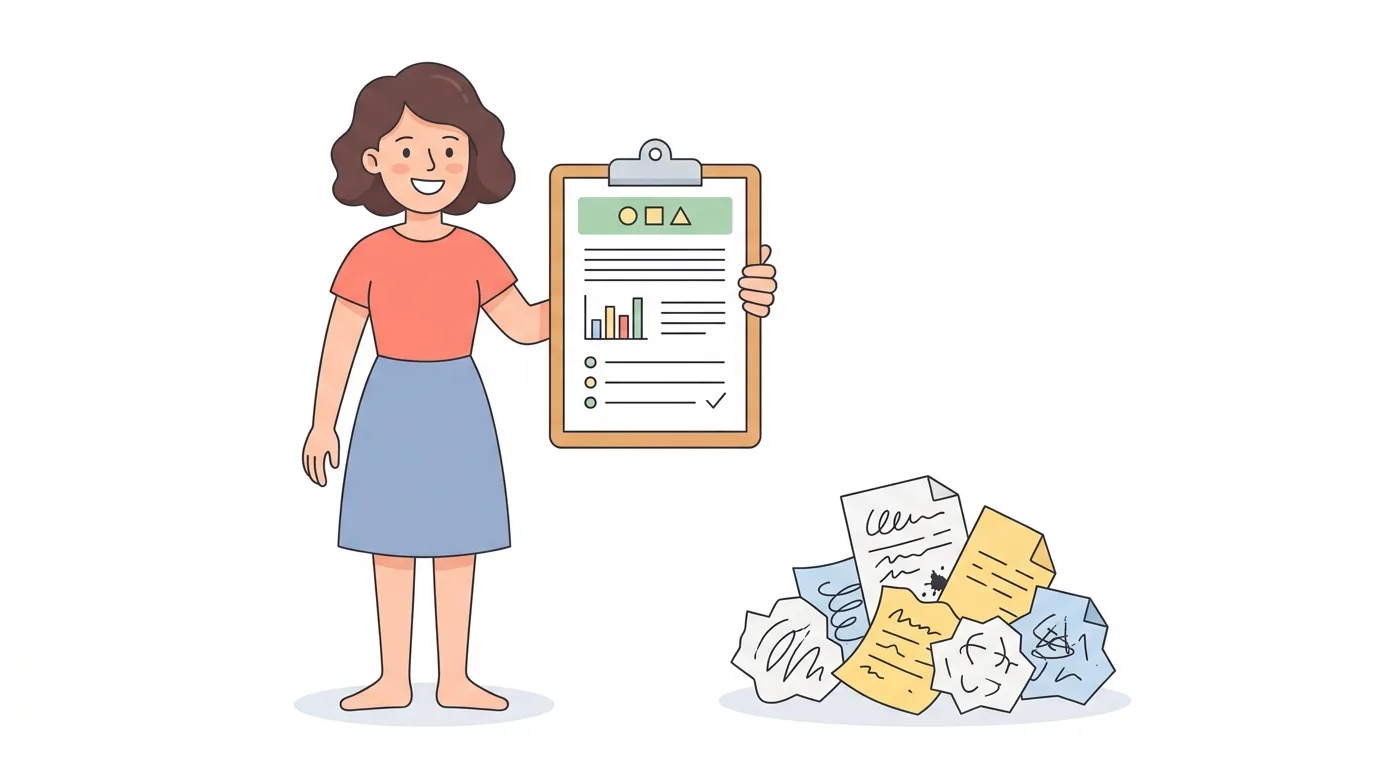
No long compliance forms and no blank-page problem. Describe the incident the way you would tell a colleague, and GPT-5 organizes it into a summary, incident details, and a clear chronological narrative. Anything you didn't mention is marked honestly as "Not provided" instead of being invented, so the report shows exactly what still needs to be confirmed.

See What Still Needs Investigating
Instead of pseudo-scientific root-cause claims, you get potential contributing factors and the follow-up questions worth asking — the faulty camera nobody fixed, the missing floor marking, the guard that keeps getting removed. It's an honest starting point for a real investigation, not a machine pretending to know why something happened.
Turn Documentation Into Accountability
Most incident reports get filed and forgotten. This one ends with corrective and preventative actions — each with a suggested owner role, a priority, and a suggested timeline — plus a scannable safety action checklist. Copy it, download it as CSV, print it for your file, or assign the actions in WeGoDoo so the fix actually gets done.

Frequently Asked Questions
Describe what happened in plain words — what occurred, where and when it happened, who was involved, any injury or damage, and what was done immediately afterward. Paste that into the free AI incident report generator and GPT-5 structures it into a professional report with a summary, incident details, a chronological narrative, contributing factors, and corrective actions. No sign-up needed.
A complete incident report includes the date and time, location, people involved, incident type, injury or damage, immediate response, a factual description of what happened, contributing factors, and follow-up actions. If any detail is missing from your notes, this tool clearly marks it as 'Not provided' instead of inventing information, so you know exactly what still needs to be confirmed.
After structuring your report, the tool converts the incident into practical corrective actions — each with a purpose, a suggested owner role, a priority level, and a suggested timeline. It also separates immediate fixes from short-term and ongoing preventative actions, and ends with a scannable action checklist you can track in a task manager like WeGoDoo.
Corrective actions address the hazard and causes behind the incident that already happened — like removing standing water or repairing a faulty guard. Preventative actions reduce the chance of it happening again — like adding inspection schedules, updating procedures, or training. This tool generates both, organized into immediate, short-term, and ongoing steps.
Yes. The tool is completely free, powered by GPT-5, and requires no sign-up, login, or credit card. You can generate, edit, copy, print, and download as many incident reports and corrective action plans as you need.
The generated report is a structured starting point based only on the information you provide — the AI never invents missing facts and marks uncertain causes as potential contributing factors to investigate. Always review and verify incident details, causes, and corrective actions before using the report for official safety, HR, insurance, legal, or regulatory purposes.