Free AI Job Description & Hiring Workflow Generator
Define your hiring needs, create a clear job description, and get a ready-to-use hiring checklist in minutes.
FreeNo sign-upPowered by the latest AI
Writing your job description and hiring plan — please don't close this tab. This usually takes 15-30 seconds.
Your Job Description & Hiring Plan
For · Edit your inputs
Job Description
Click any text to edit it. Copy and print use your edited version.
5-Step Hiring Workflow
5 tasksEdit any task, remove what you don't need, or add subtasks. Copy and export use your edited version.
Manage Your Hiring Workflow in WeGoDoo
Put these hiring tasks on one shared list with everyone helping you hire. Give each task an owner and a due date, set reminders, and see at a glance what's done and what's next.
You only need a WeGoDoo account to export the tasks. Writing, editing and copying here stay free, with no sign-up.
Search History
Job Description Examples for Common Roles
Click a role to fill the form with an example, then change anything you like
Marketing Executive
Plan campaigns, grow social channels and report on results.
Mid level · Full-timeSales Manager
Lead a small B2B sales team and grow revenue.
Senior · Full-timeUI/UX Designer
Redesign and test the key screens of a mobile app.
Mid level · ContractCustomer Support Representative
Answer customer questions by email and chat.
Entry level · Part-timeHow to Create a Professional Job Description With AI
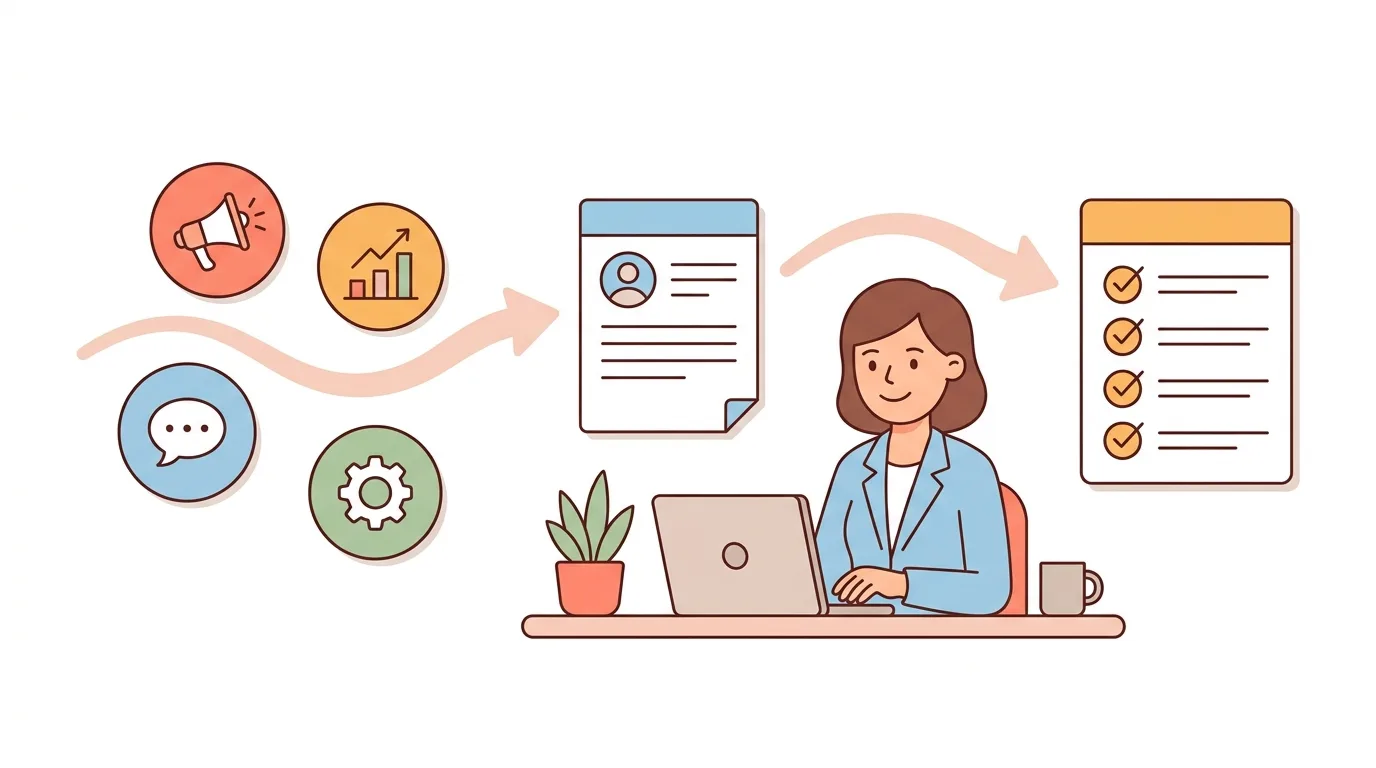
The free AI Job Description & Hiring Workflow Generator, powered by the latest AI, helps you define the role, write a clear job description and plan exactly what to do next to hire someone.
Three Simple Steps:
Step 1: Define the role — enter the job title and the skills you need. Not sure what to include? Help me define the role suggests typical skills and responsibilities for that job title, and you keep only the ones you want.
Step 2: Get a clear job description — a role overview, key responsibilities, required and preferred skills, experience and how to apply. Nothing is invented: no salary, benefits or location you didn't give.
Step 3: Follow a 5-step hiring plan — from publishing the job to making the offer, each step comes with a short description and subtasks for your role.
Edit any line, copy the job description or save it as a PDF, and copy the hiring checklist or export the tasks to WeGoDoo.
What Should a Job Description Include?
A good job description tells the right people what the job is and whether they fit, in under two minutes of reading. These are the parts the generator writes, in this order:
Job title
The plain, searchable title people actually use, such as "Marketing Executive", not an internal code or a clever nickname.
Role overview
Two or three sentences on why the role matters and what the person will achieve.
Key responsibilities
Five to eight duties, each starting with a verb, so candidates can picture a normal week.
Required skills and qualifications
Only the true must-haves. Every extra requirement makes good people decide not to apply.
Preferred skills
Nice-to-haves kept in their own list, so they don't read as deal-breakers.
Experience
The level you need (entry, mid or senior), described in words rather than an arbitrary number of years.
Employment details
The employment type, plus the location, pay and benefits that are true for the role. You add these; the AI never guesses them.
How to apply
One clear next step, such as sending a resume and a short note about relevant experience.
The Five Essential Steps in the Hiring Process
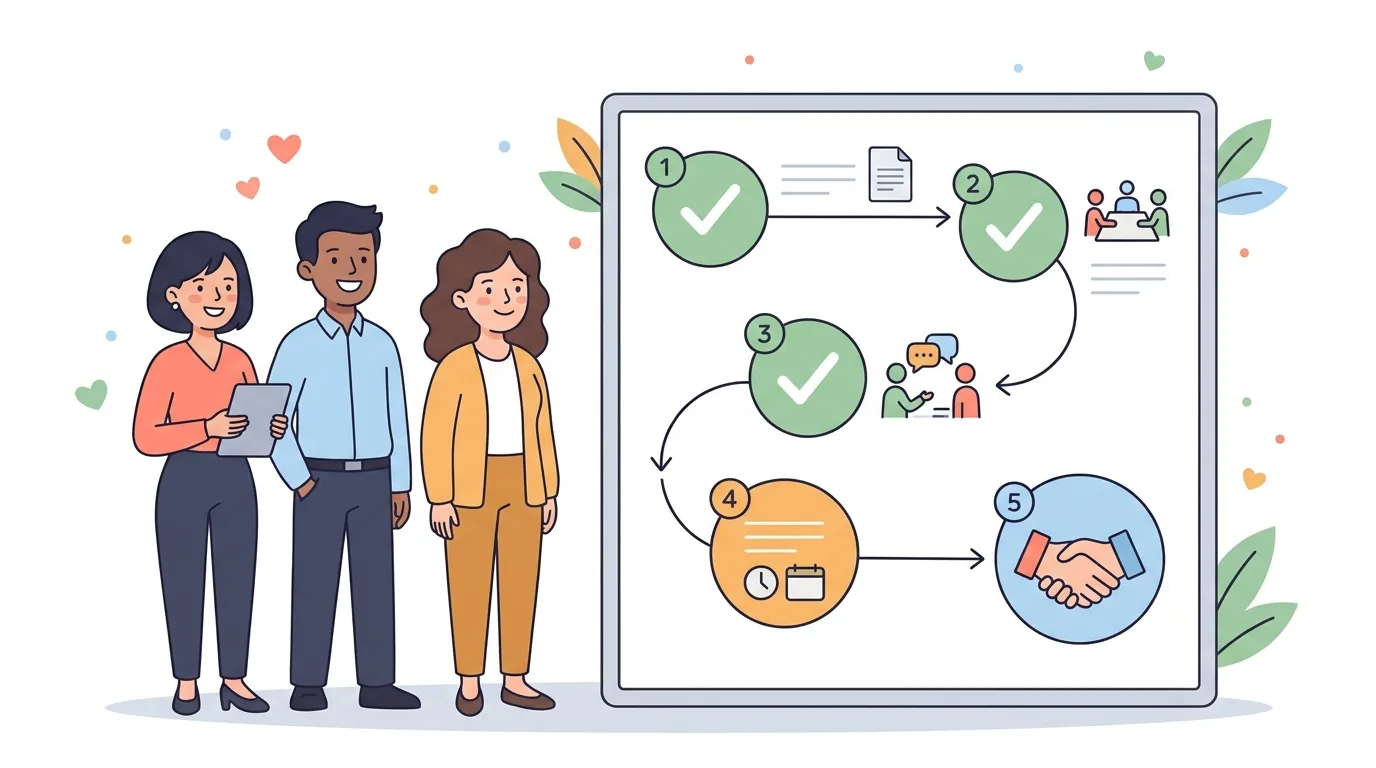
Writing the job description is the start. Each result comes with these five steps, written for your role as tasks with subtasks:
Publish the job opening
Finalize the job description and post it where the right people look: LinkedIn, Indeed, your careers page or a specialist job board for the role.Review applications
Check every resume against the same essential requirements and shortlist the candidates who meet them.Conduct initial screenings
Hold short calls to confirm relevant experience, availability and what the candidate expects from the role.Interview and assess candidates
Ask every candidate the same job-relevant questions and, where it helps, set a short skills task that reflects the real work.Evaluate and finalize the hire
Bring the interview feedback together, choose the candidate, make the offer and agree the next steps.
Why Use Our Free AI Job Description Generator
Get Clear on the Role Before You Write
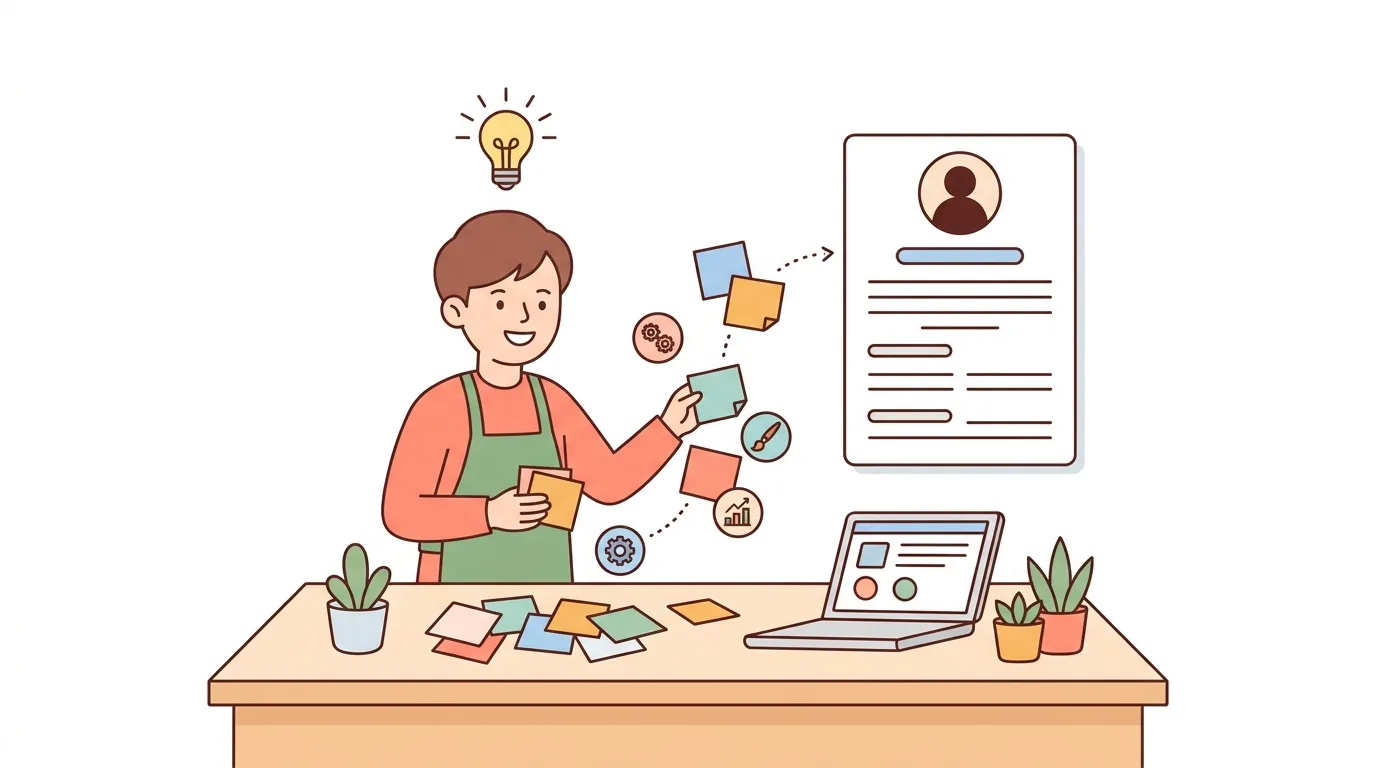
Most hiring problems start with a fuzzy role. You know you need a marketing executive, but not which skills matter most. Help me define the role suggests the skills and responsibilities people in that job usually need. Keep the ones that fit, drop the rest, and you have a clear brief before a single line is written.
A Fair, Ready-to-Post Job Description
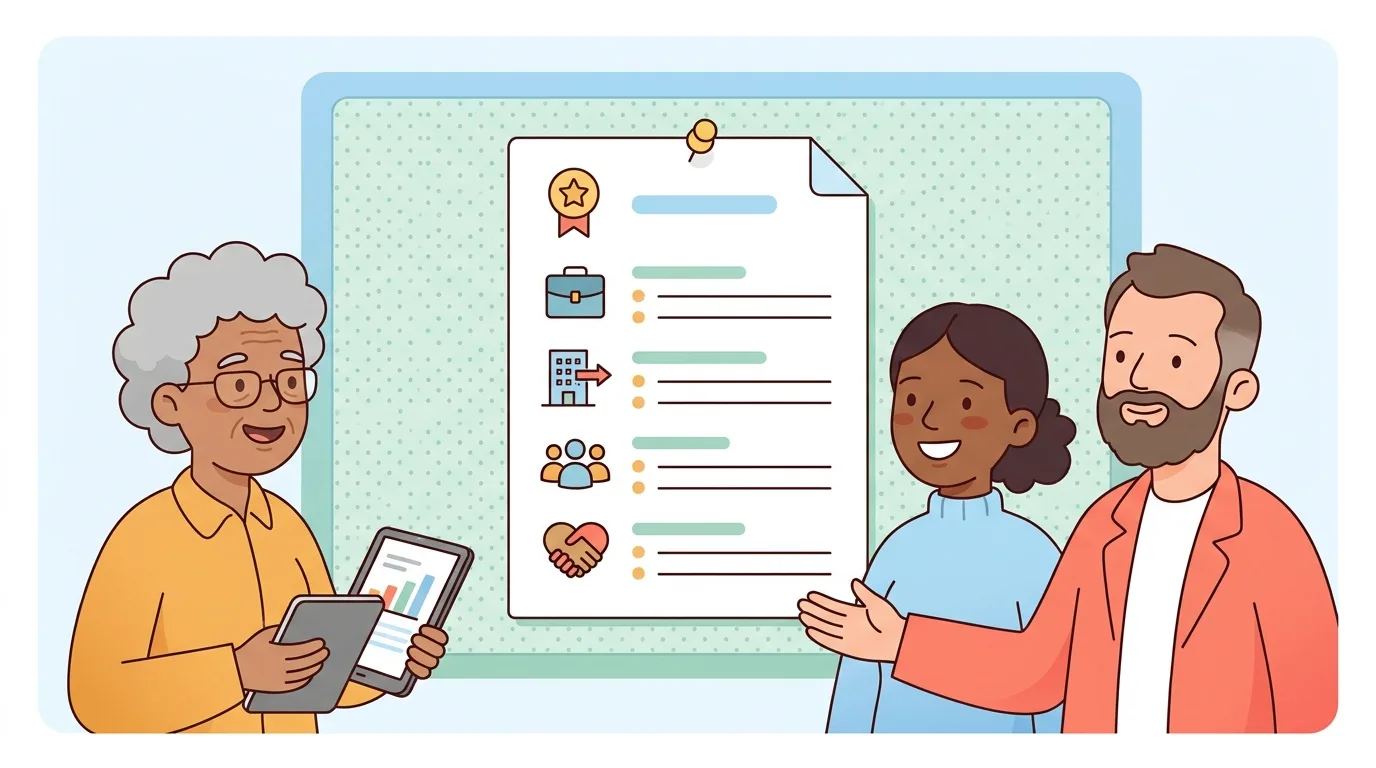
Must-haves are kept apart from nice-to-haves, there are no unnecessary degree requirements, and the wording is inclusive and job-relevant, so more of the right people apply. The AI never invents a salary, benefits or a location. Edit any line, then copy it into a job board or save it as a PDF.
Know Exactly What to Do Next
Instead of a long article about recruiting, you get the next five steps as tasks: publish the job, review applications, screen, interview and make the offer, each with subtasks for your role. Copy the checklist, or export the tasks to WeGoDoo to give each one an owner and a due date.
How to Organize Recruitment Tasks
Hiring is a small project with deadlines: posting the job, reading applications, scheduling calls, gathering feedback and getting back to every candidate. A few habits keep it on track:
- Put every hiring step on one shared list, so nobody works from a different copy.
- Give each task one owner and a due date, such as "Shortlist candidates by Friday".
- Set reminders for the deadlines that are easy to miss, like replying to candidates.
- Keep interview feedback against the same job-relevant criteria for every candidate.
Free to start. You don't need an account to use the generator.
Frequently Asked Questions
Start with a clear job title and the skills the role really needs, then add the experience level, employment type and any details you already know. The free AI job description generator turns that into a role overview, key responsibilities, required and preferred qualifications, experience expectations and a short application instruction that you can edit, copy or save as a PDF.
A job title, a short role overview, key responsibilities, required skills and qualifications, preferred skills, experience expectations, employment details such as the employment type, and how to apply. Keep the must-haves separate from the nice-to-haves, and only mention pay, benefits or a location when they are true for the role.
Publish the job opening, review applications against the essential requirements, hold short initial screenings, interview and assess candidates with job-relevant questions or a short task, then evaluate the feedback and make the offer. The tool writes these five steps as tasks with subtasks for your role.
Yes. It is free, needs no sign-up and runs on the latest AI. You can generate, edit, copy and print as many job descriptions and hiring checklists as you need. The AI part has a fair-use limit per visitor.
No. The AI only uses what you enter. It doesn't invent pay, benefits, a location, working hours or company policies, so add those yourself before you post, or include them in the additional role details and they will be written in.
Yes. Click any text to change it, remove lines or tasks you don't need, and add your own lines and subtasks. Copy, print and export always use your edited version. You can also regenerate just the job description, with or without a note about what to change.
Yes. Export tasks to WeGoDoo copies the hiring tasks with their descriptions and subtasks. In a WeGoDoo list, paste them into Doo, check the preview and confirm, then give each task an owner and a due date. You only need a WeGoDoo account for this step.
No. It helps you define the role and plan the hiring steps. It doesn't ask for candidate information, score applicants or make hiring decisions. People make those decisions, using the same job-relevant criteria for every candidate.