Free AI Mind Map Generator
Turn rough ideas into clear, structured mind maps. Enter a topic, question, or notes and let AI organize your thinking visually.
Try an Example
Click on any example below to auto-fill the form
Product Launch
Map out all aspects of a product launch strategy
Content Brainstorm
Brainstorm content ideas for a fitness coaching business
Employee Onboarding
Explore ways to improve the employee onboarding process
Study Map
Organize machine learning concepts into a study map
Search History
How It Works?
Our AI Mind Map Generator, powered by GPT-5, instantly transforms your rough ideas, topics, or notes into structured, visual mind maps with logical branches and actionable insights.
Three Simple Steps:
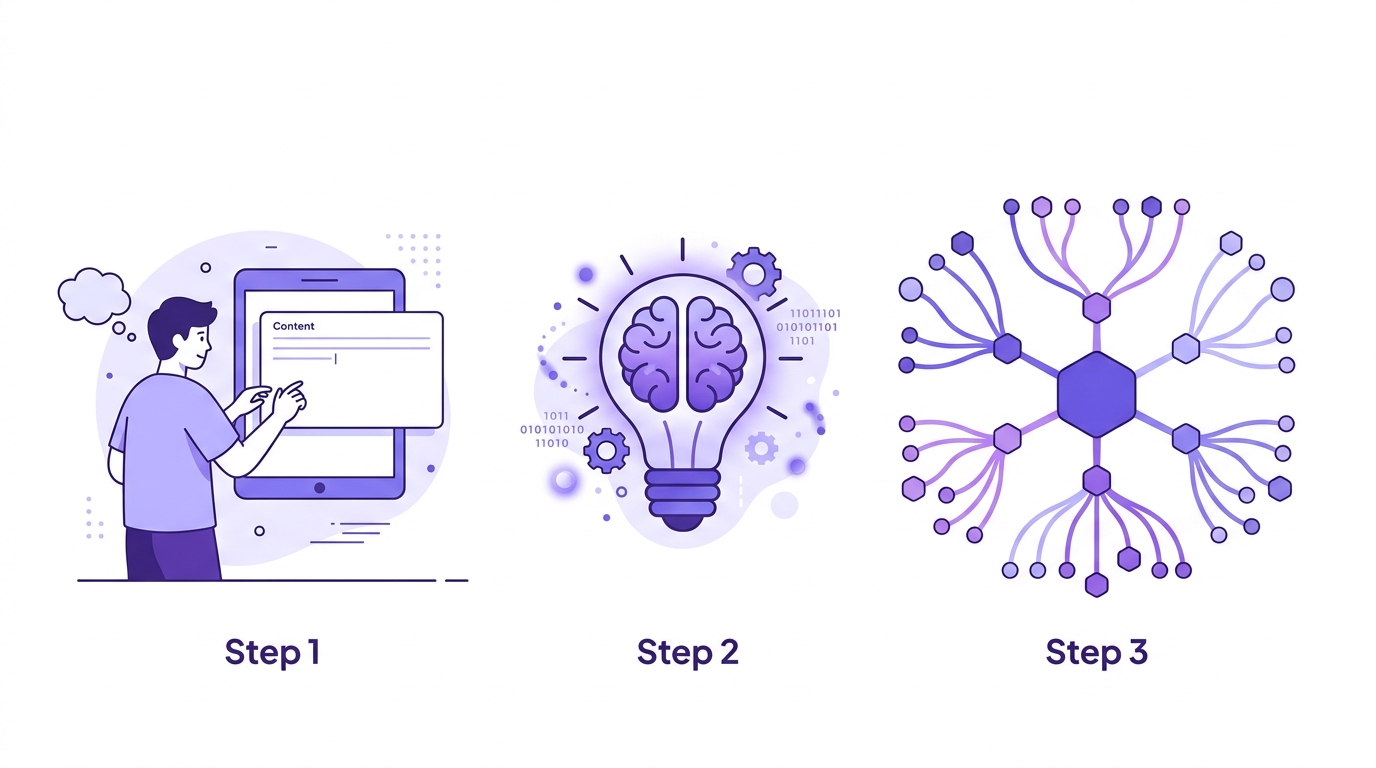
Step 1: Enter a central topic, question, or paste rough notes and brainstorm text
Step 2: Choose your goal (brainstorm, organize, plan, etc.) and style preference
Step 3: Click "Generate Mind Map" and get an interactive visual map with expandable branches
You can then edit any node, add or remove branches, switch between mind map and outline views, or export as image, PDF, or text.
Why Use Our AI Mind Map Generator
1 Think More Clearly
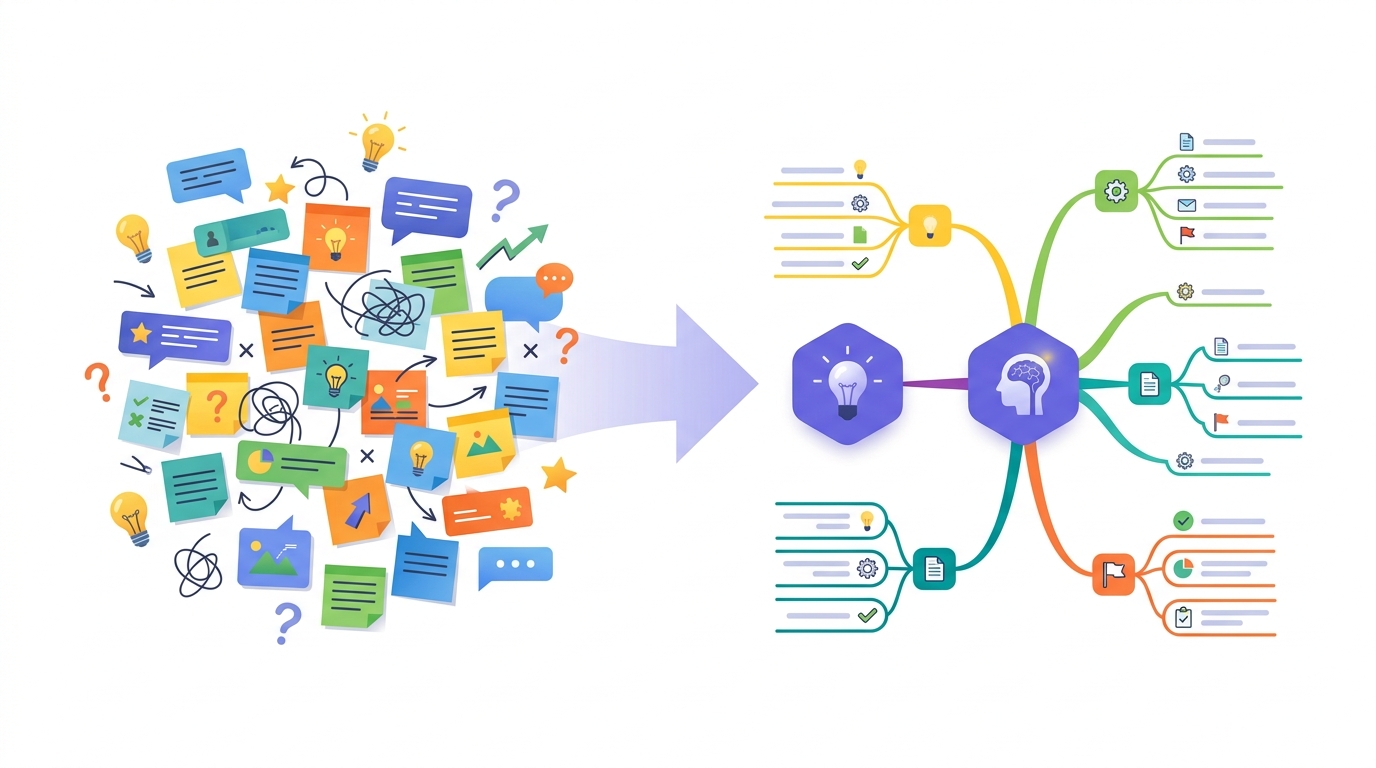
Turn messy thoughts into organized visual structures. The AI identifies your core topic, clusters related ideas into logical branches, and creates clear parent-child relationships that make complex subjects easy to understand.
2 From Brainstorm to Plan
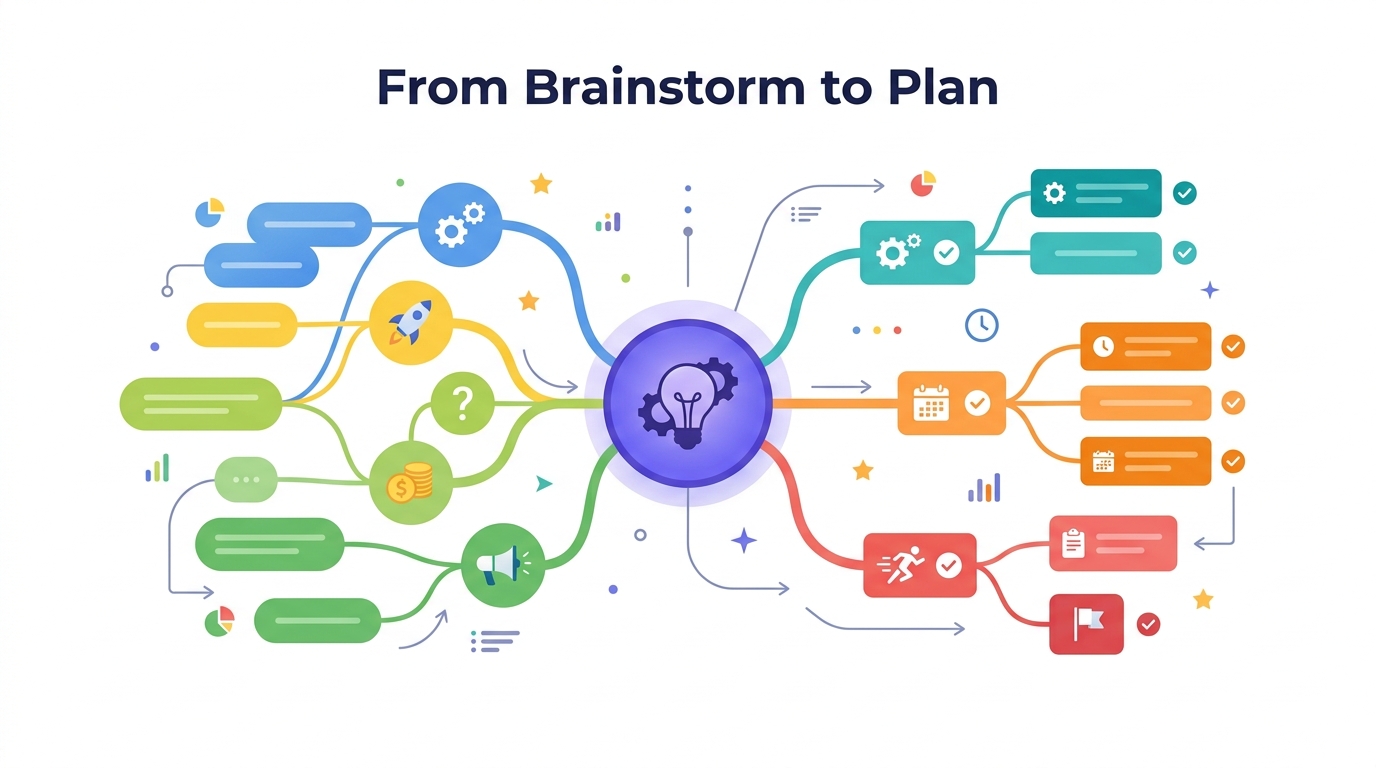
Move from unstructured brainstorming to actionable direction faster. The AI generates smart sub-branches, highlights cross-branch connections, and suggests practical next steps — so your mind map becomes a launchpad for execution.
3 Interactive & Exportable
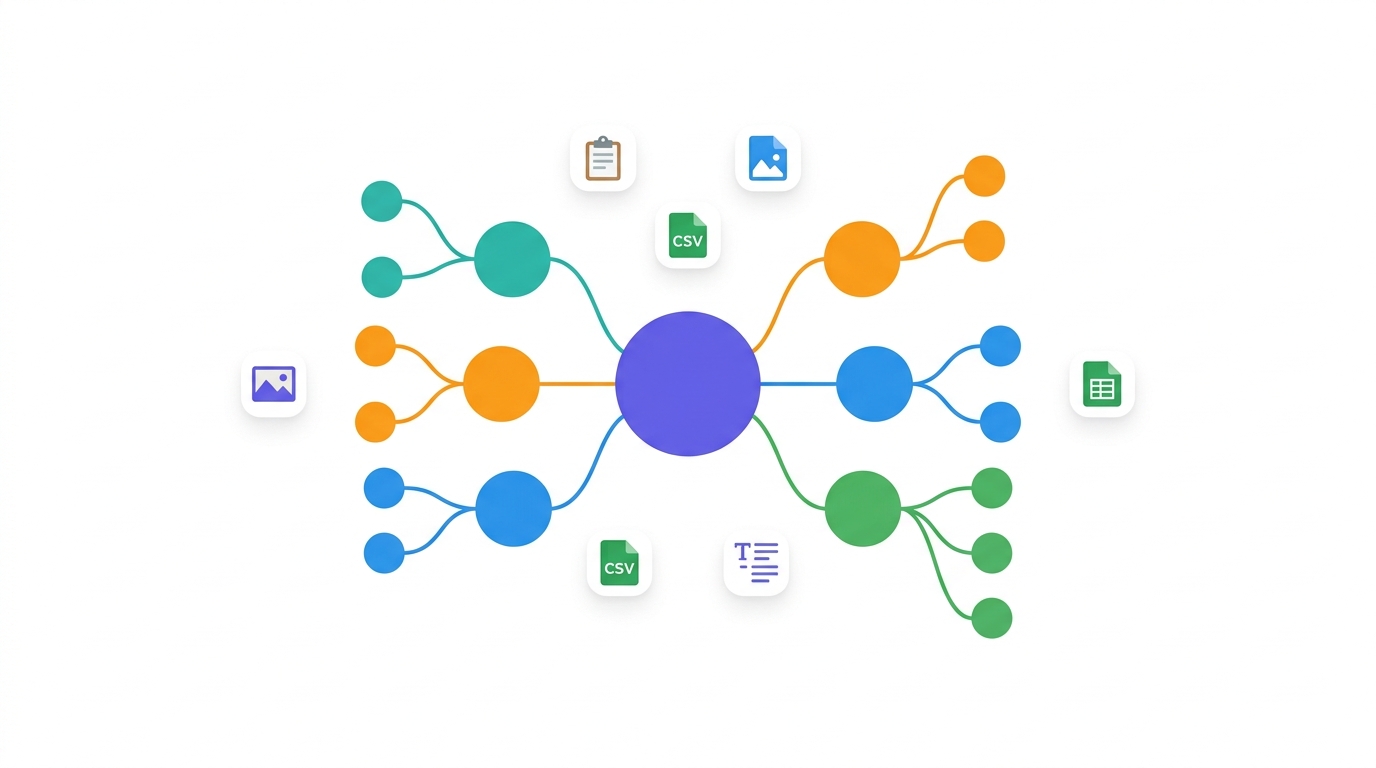
Edit any node, expand or collapse branches, and switch between visual mind map and outline views. Export your map as an image, copy as an outline, or download as CSV — use your structured ideas anywhere you need them.
Frequently Asked Questions
The AI Mind Map Generator is a free tool powered by GPT-5 that transforms your topics, questions, or rough notes into structured visual mind maps. It automatically organizes ideas into logical branches with clear relationships, helping you think more clearly and plan more effectively. No sign-up required.
You can use it for brainstorming ideas, organizing research, planning projects, mapping content strategies, studying complex topics, solving problems, and structuring any kind of information visually. It works with any subject — from business strategy to academic study to personal projects.
Yes, completely free with no sign-up required. Generate as many mind maps as you need, edit the results, switch between views, and export in multiple formats — all at no cost.
The AI analyzes your input to identify the core topic, clusters related ideas into 4-8 main branches, creates sub-branches with clear parent-child relationships, and identifies cross-branch connections. It prioritizes clarity over density, so the result is always readable and useful.
Yes! You can edit any node text directly, and the outline view is fully editable. Use the Refine feature to ask AI to expand specific branches, add new areas, or restructure the map. Your edits are preserved in all export formats.
You can copy the entire mind map as a text outline, download it as CSV for use in spreadsheets, or download it as a PNG image. The outline view is also great for pasting directly into documents or notes apps.