Create Sub-Tasks for a list of Tasks with our AI
Input your list of tasks to generate Sub-Tasks. Each Task to be added in a new line
| Main Task | Sub Task |
|---|
Search History
How It Works?
Our AI-powered tool simplifies your project planning by automatically generating relevant sub-tasks for any main task you input. By breaking down larger tasks into manageable steps, you can ensure a comprehensive approach to any project, big or small.
1. Input:Provide a list of main tasks, each on a separate line.
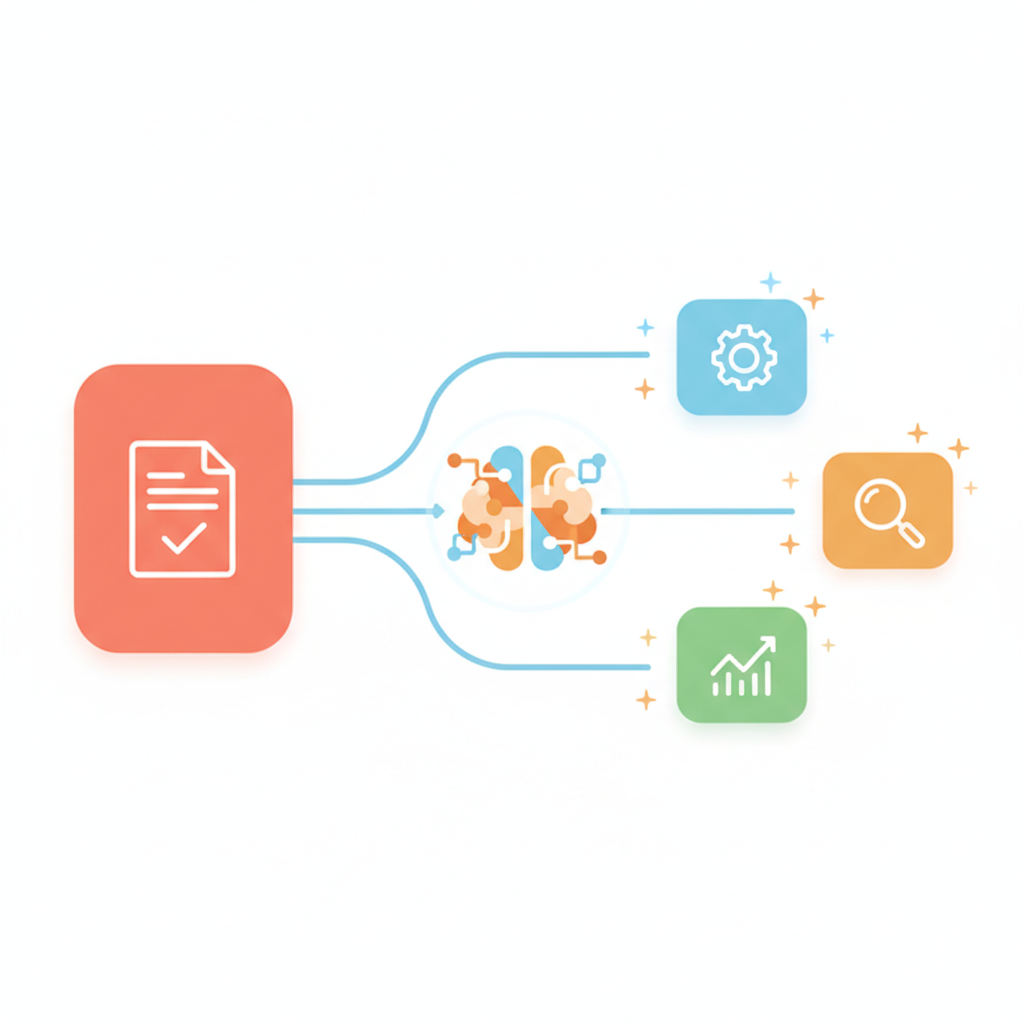
2. Process:Our AI analyzes each task and suggests relevant sub-tasks based on the context and nature of the main task.
3. Output:Receive a detailed table showcasing each main task alongside its associated sub-tasksy.
Plan a launch event.
By leveraging GPT-5, users can swiftly transform broad ideas into detailed action plans.
Why Use WeGoDoo AI Sub-Task Generator
1 Boost Productivity
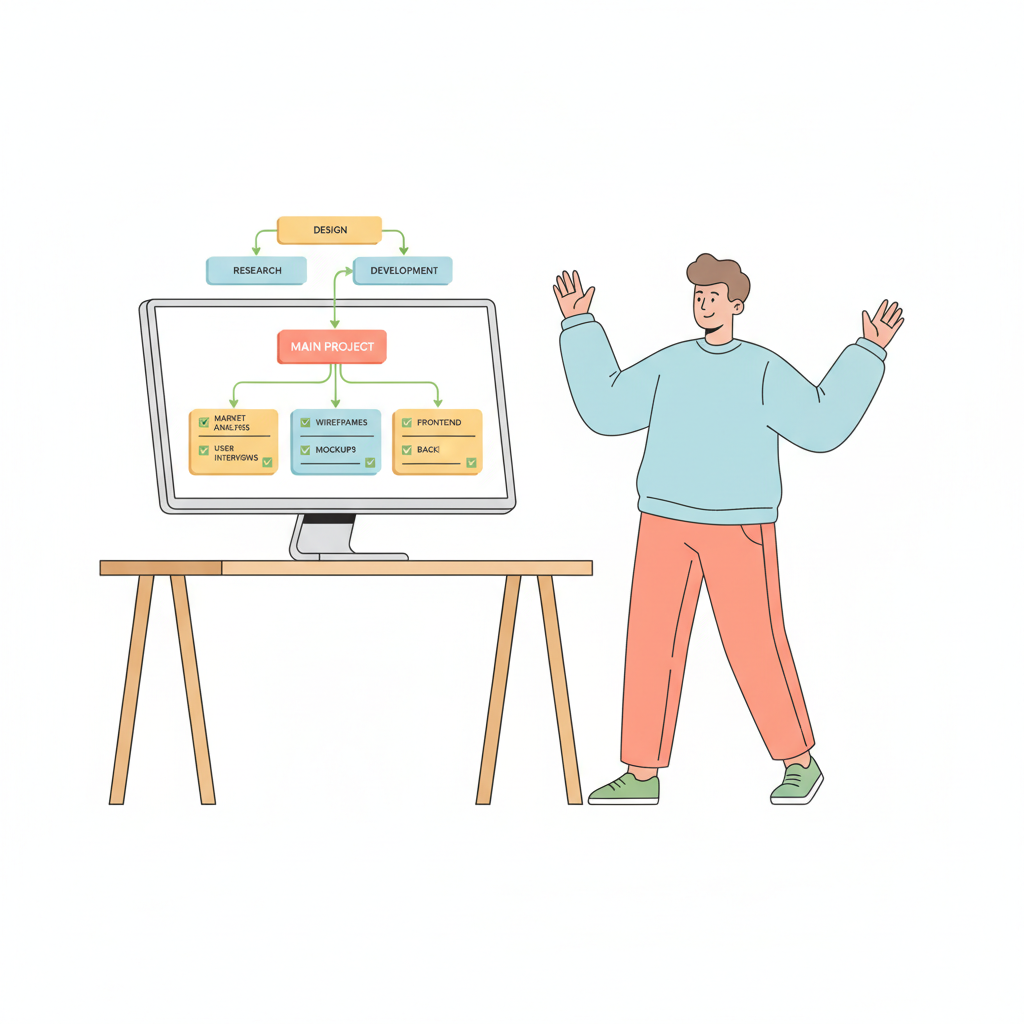
Transform your workflow by breaking down complex tasks into actionable steps. With a clear roadmap, you can ensure that every detail is addressed, reducing the chances of oversight and enhancing the overall efficiency of your project.
2 Intelligent Insights
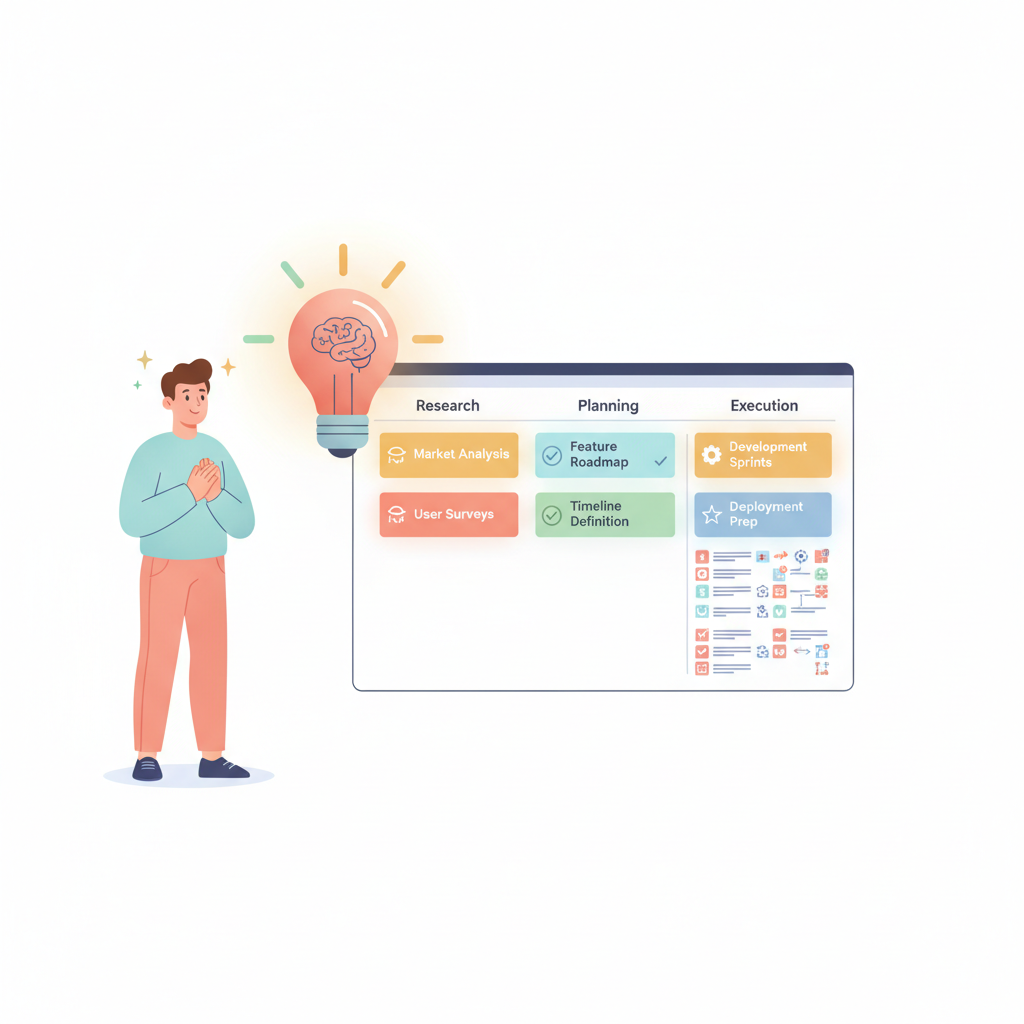
Our AI-driven tool taps into a vast database of knowledge, ensuring that the sub-tasks generated are not only relevant but also comprehensive. Tailored to your project's specific needs, these insights help in refining your approach and ensuring a holistic completion of tasks.
3 Save Time & Effort
Task planning can be tedious and time-consuming. By leveraging the AI Sub-Task Generator, you can eliminate the manual effort involved in brainstorming and listing sub-tasks. This not only saves valuable time but also ensures that you're focusing your energy on executing tasks rather than just planning them.

4 Optimized Workflow
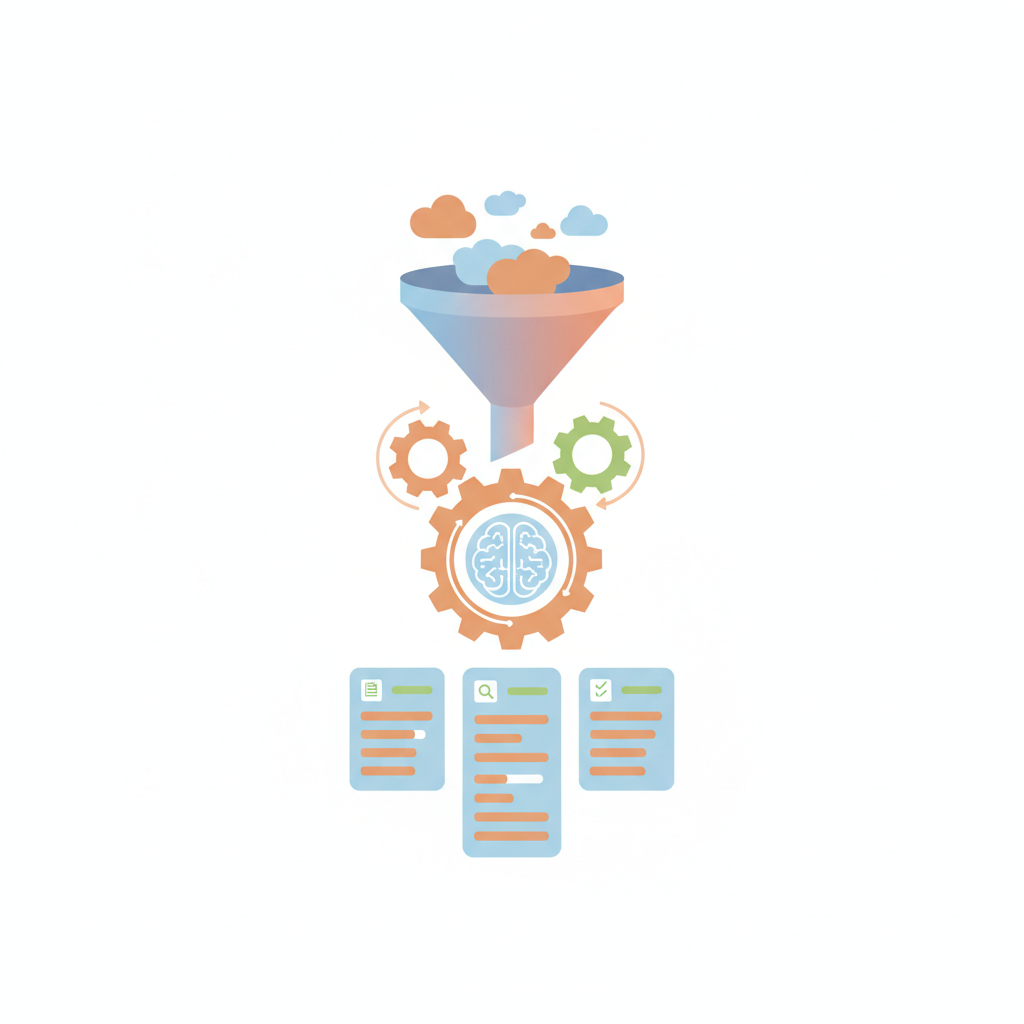
By automatically generating sub-tasks, you can maintain a steady and optimized workflow. This ensures that projects move forward without unnecessary pauses or delays, leading to faster completion times.
Frequently Asked Questions
It is a free tool that uses GPT-5 AI to break down your main tasks into detailed, actionable sub-tasks. Enter a list of tasks (one per line) and the AI generates relevant sub-tasks for each, helping you plan projects more effectively.
You can enter multiple tasks at once, each on a separate line, up to 1000 characters total. The AI will generate sub-tasks for every task you provide in a single request.
Yes! Each sub-task has a copy icon to copy it to your clipboard. Your previous searches are saved in the Search History section for quick access.
Completely free. No sign-up, no credit card, no limits on the number of times you can use it. The tool is powered by GPT-5 and available to everyone.
Copy your sub-tasks into a task management tool like WeGoDoo. WeGoDoo lets you assign tasks to team members, set priorities, add reminders, and track progress — making it easy to turn your AI-generated plan into real action.