Free JSON / CSV / XML Converter
Convert between data formats instantly — smart parsing for nested structures
Try an Example
User Data (JSON→CSV)
Convert a JSON array of users into CSV format
Product List (CSV→JSON)
Convert a CSV product catalog into JSON format
Config File (JSON→XML)
Convert a JSON configuration into XML format
API Response (XML→JSON)
Convert an XML API response into JSON format
How It Works?
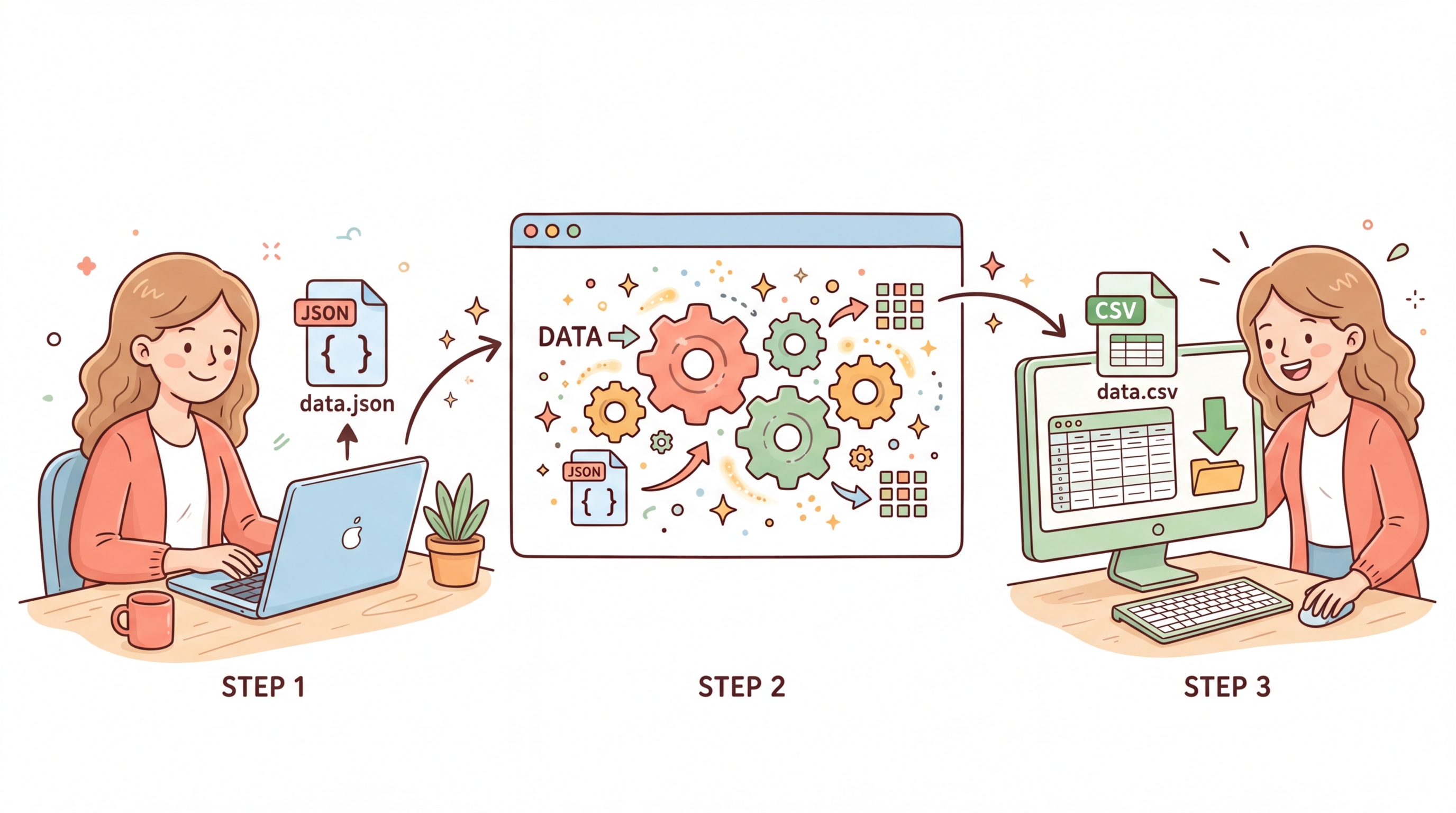
Our JSON/CSV/XML Converter instantly transforms data between the three most common data interchange formats. All processing happens in your browser — your data never leaves your device.
Three Simple Steps:
Step 1: Choose your conversion direction (e.g., JSON to CSV, XML to JSON)
Step 2: Paste your data or upload a file — configure options like delimiter and pretty printing
Step 3: Click "Convert" and instantly get your transformed data, ready to copy or download
The converter intelligently flattens nested JSON objects into CSV columns, handles XML attributes, and preserves data types across all formats.
Why Use Our Data Converter
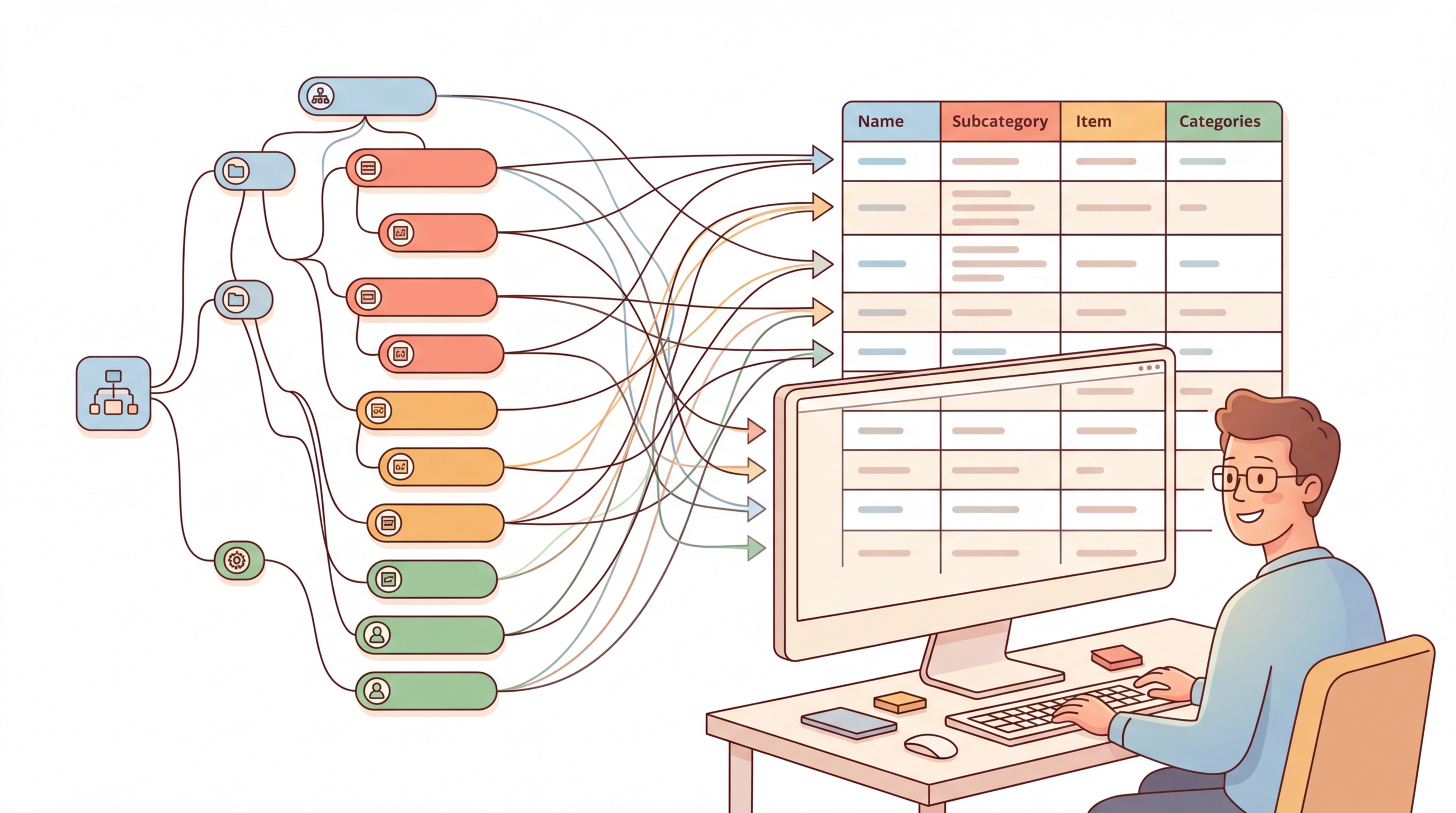
Smart Nested Handling
Intelligently flattens nested JSON objects to CSV columns using dot notation. Arrays are serialized cleanly, so you never lose data.
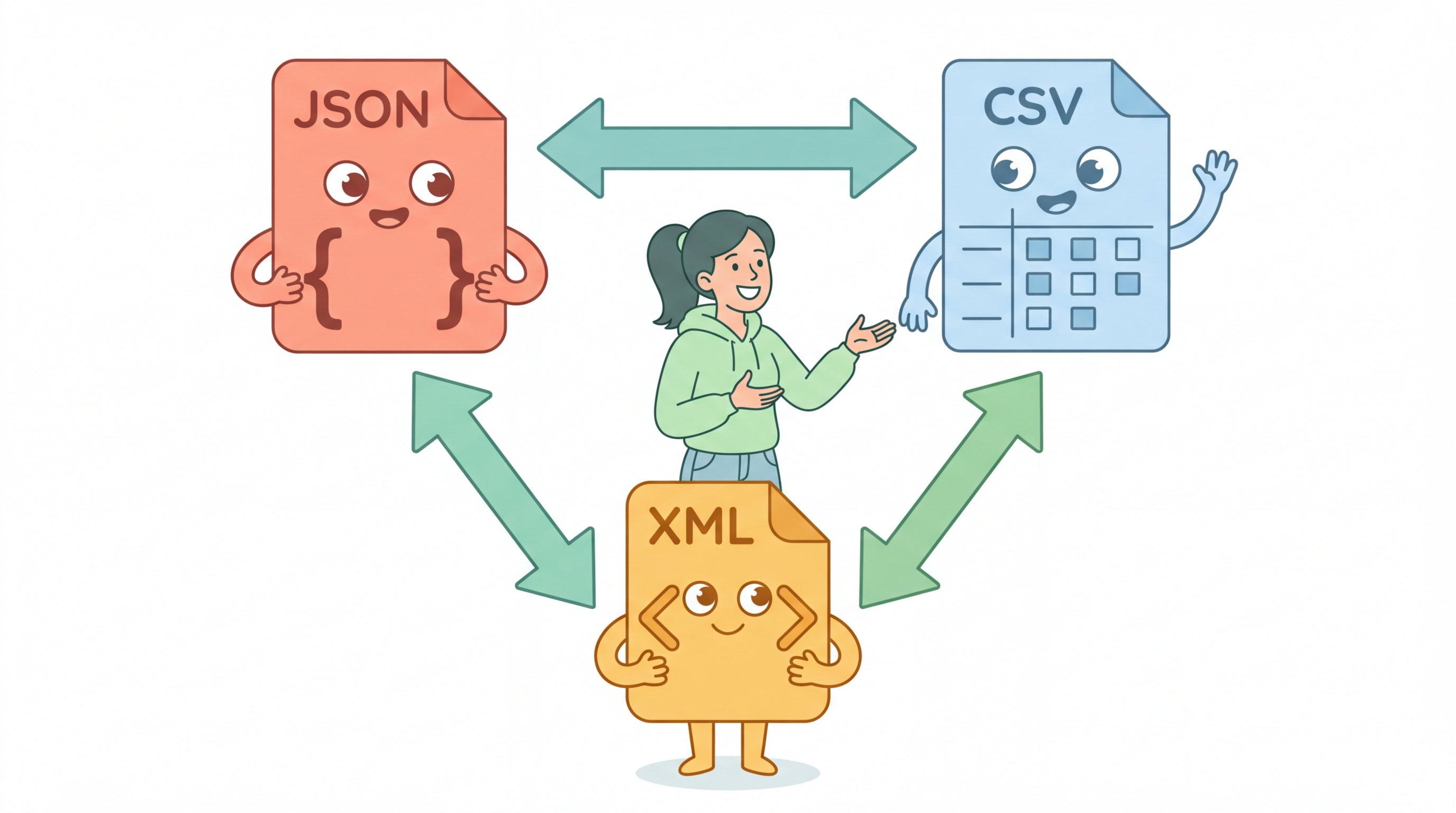
6 Conversion Directions
JSON, CSV, and XML in any combination. Convert freely between all three formats with a single click.
100% Client-Side
Your data never leaves your browser. All conversion happens locally using JavaScript — no server uploads, no tracking.
Frequently Asked Questions
This tool supports three major data formats: JSON (JavaScript Object Notation), CSV (Comma-Separated Values), and XML (Extensible Markup Language). You can convert between any combination of these formats — that is 6 conversion directions in total.
Nested JSON objects are automatically flattened using dot notation for CSV output. For example, {"address": {"city": "NYC"}} becomes the CSV column address.city with value NYC. Nested arrays are serialized as JSON strings within the CSV cell.
Yes, you can upload .json, .csv, .xml, and .tsv files using the "Upload File" button. The file contents are read locally in your browser and loaded into the input area for conversion.
The tool supports four delimiter types: Comma (default), Semicolon, Tab, and Pipe. You can select the appropriate delimiter from the dropdown when working with CSV data, both for input parsing and output generation.
Absolutely. All conversions happen 100% in your browser using JavaScript. Your data is never sent to any server, never stored, and never logged. This is a fully client-side tool — you can even use it offline once the page has loaded.
Yes, since all processing is done in your browser, performance depends on your device. Most modern browsers can handle files up to several megabytes without issues. For very large files (10MB+), you may experience a brief delay during conversion.