Free AI Thumbnail Creator
Upload your image, pick a theme, and let AI generate the perfect thumbnail — powered by GPT-5. Free, no sign-up.
How It Works
Create the perfect thumbnail in 3 simple steps — powered by GPT-5
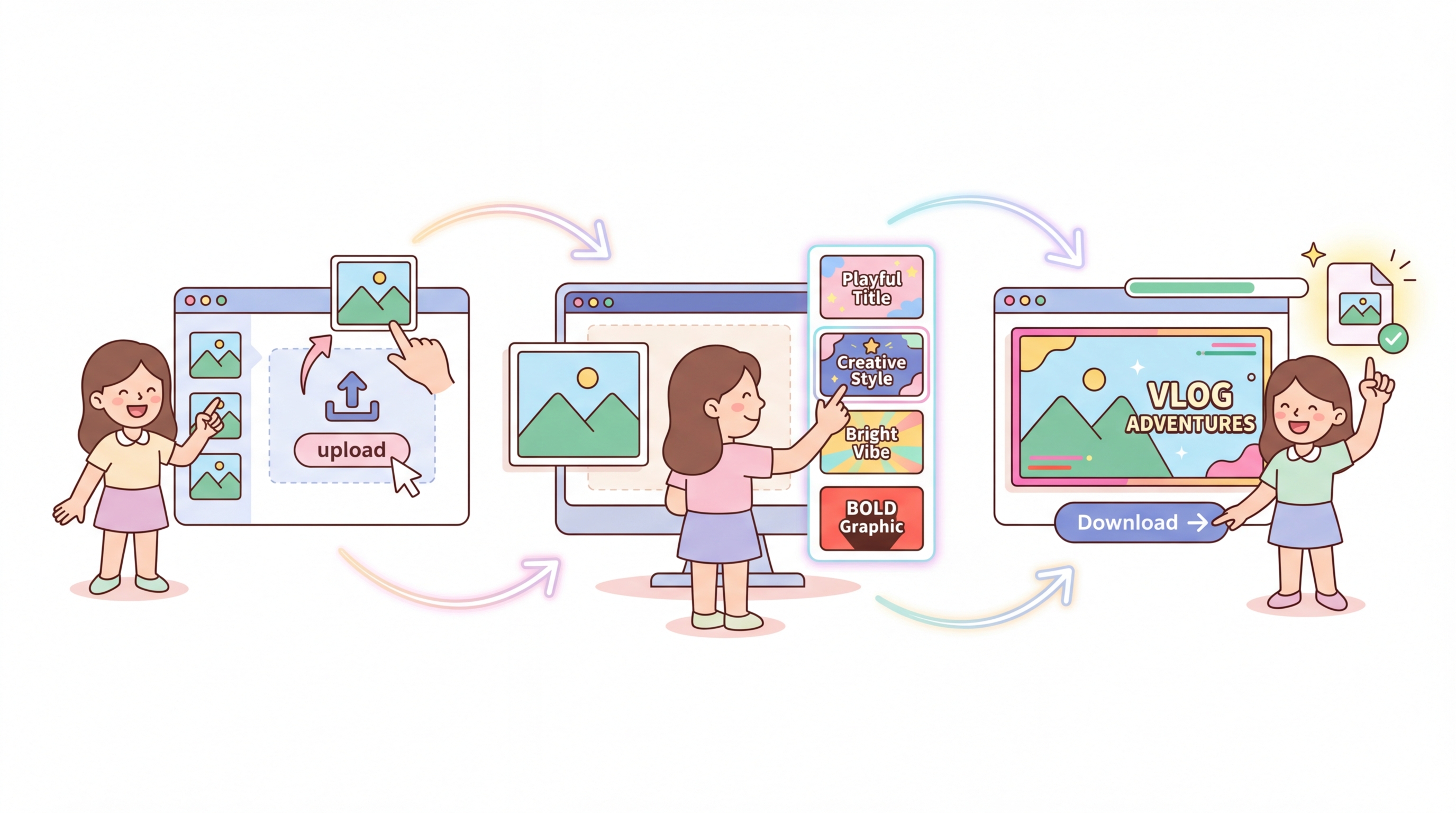
1. Upload Your Image
Drag and drop or browse to select any JPG, PNG, or WebP image from your device.
2. Pick a Theme
Choose from 19 preset themes for YouTube, Instagram, LinkedIn, Passport, and more — or set custom dimensions.
3. Download Thumbnail
AI generates a perfectly styled thumbnail. Preview it and download in one click.
Why Use AI Thumbnail Creator?
AI-Powered Transformation
Unlike basic resizing tools, our AI understands your image content and intelligently transforms it to match each platform's style — enhancing colors, composition, and focus.
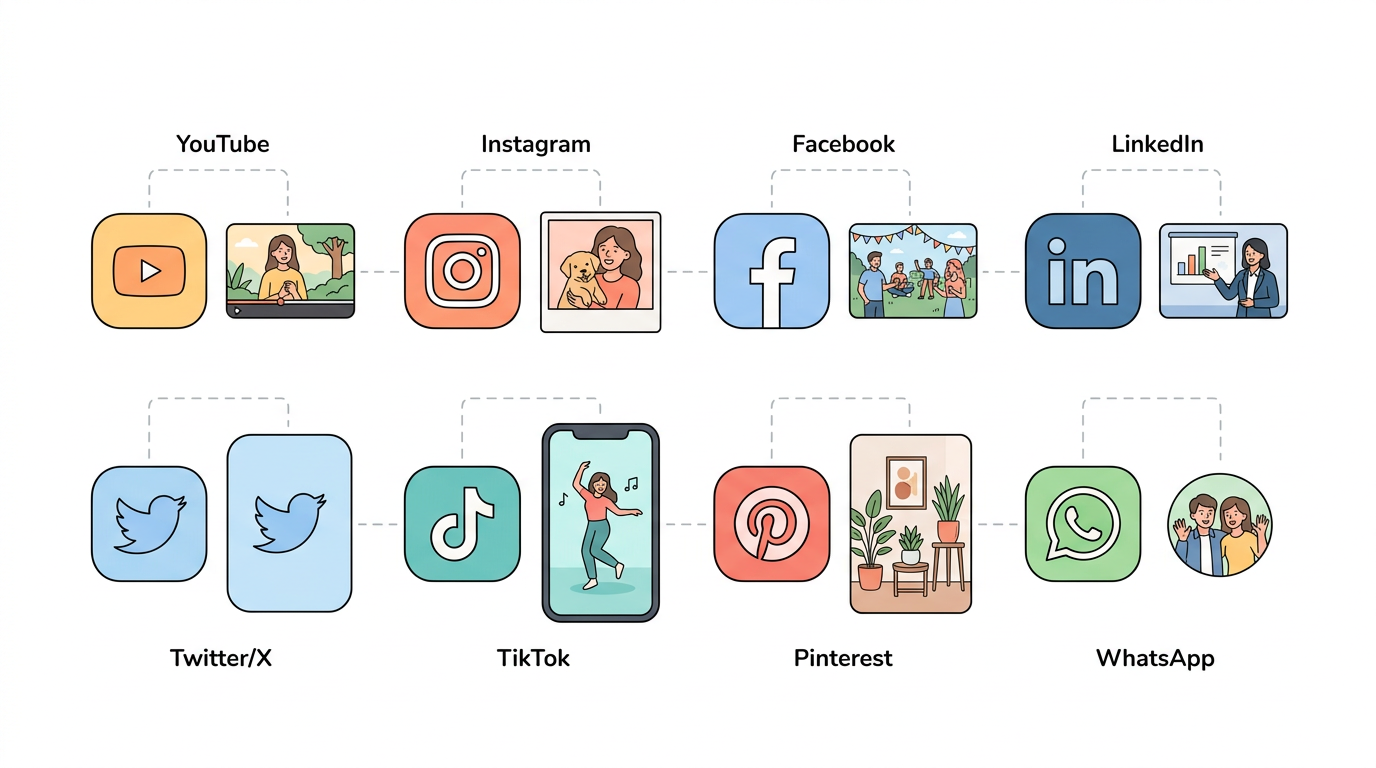
19 Platform Presets
One image, every platform covered. YouTube, Instagram, Facebook, LinkedIn, TikTok, Pinterest, Twitter/X, WhatsApp, Discord, Twitch, Passport — plus custom sizes.
100% Free, No Sign-Up
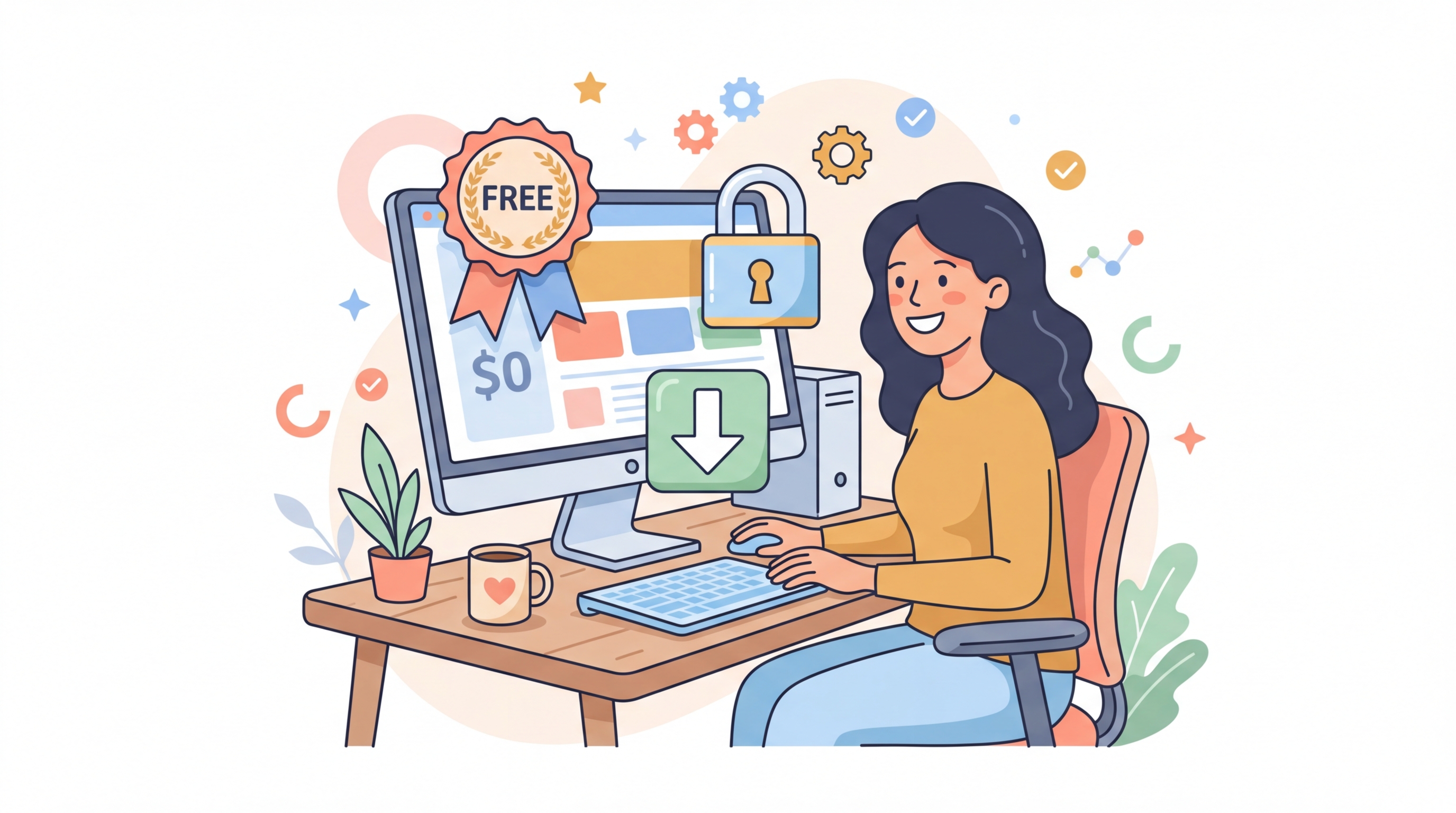
No watermarks, no account required, no limits. Upload, generate, and download — completely free. Your images are processed securely and never stored.
Frequently Asked Questions
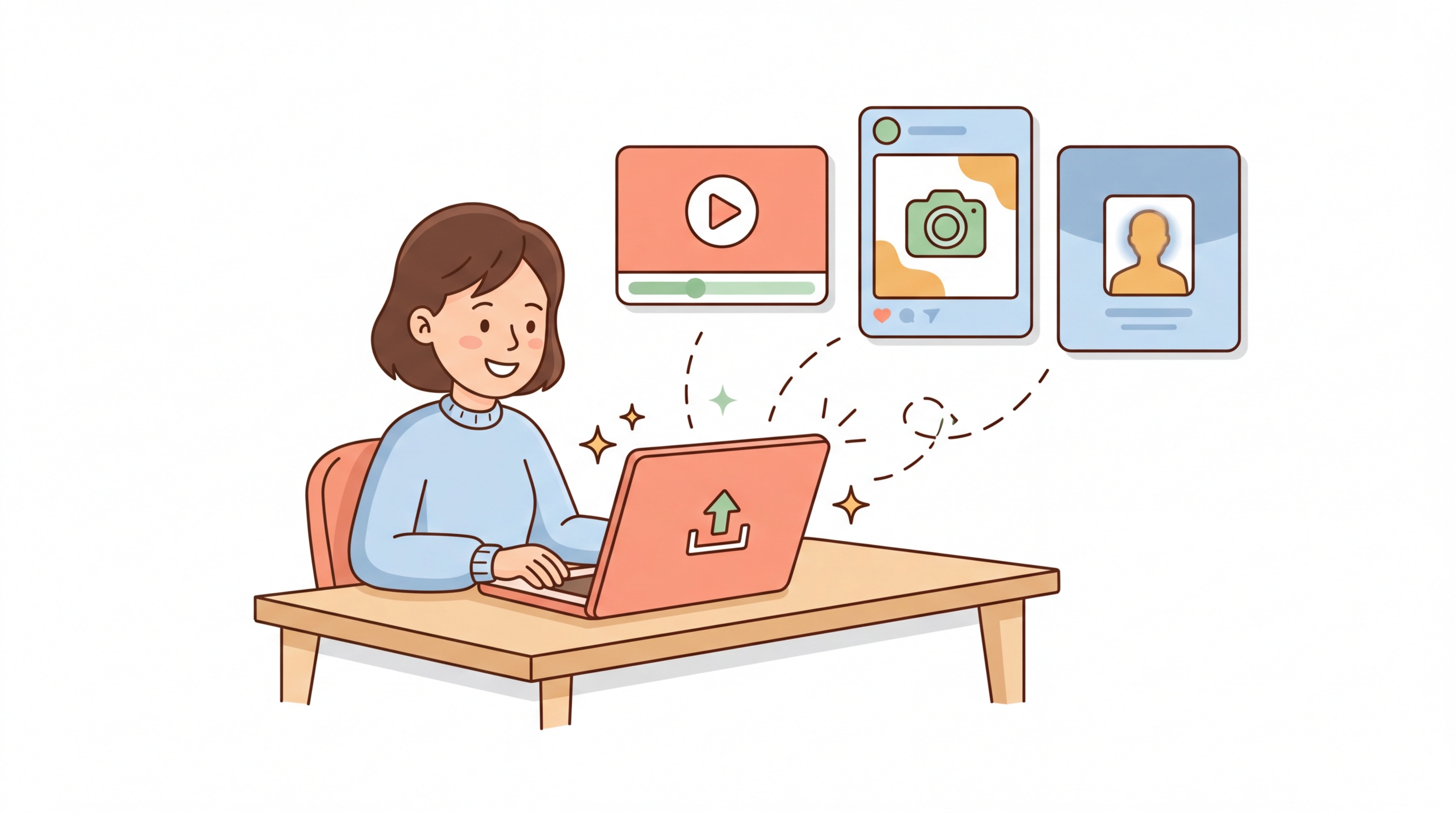
The AI Thumbnail Creator is a free online tool that uses artificial intelligence to transform your uploaded image into platform-ready thumbnails. Select a theme like YouTube, Instagram, LinkedIn, or Passport, and the AI generates a professionally styled thumbnail optimized for that platform's dimensions and style.
You can upload JPG, PNG, and WebP images up to 10MB in size. The generated thumbnail is returned as a high-quality image that you can download instantly.
We offer 19 preset themes: YouTube Thumbnail (1280×720), Instagram Post (1080×1080), Instagram Story (1080×1920), Facebook Cover (820×312), Facebook Profile (170×170), LinkedIn Profile (400×400), LinkedIn Banner (1584×396), Twitter/X Profile (400×400), Twitter/X Header (1500×500), Pinterest Pin (1000×1500), TikTok Cover (1080×1920), WhatsApp Profile (500×500), Discord Avatar (512×512), Twitch Banner (1200×480), Passport Photo (600×600), Professional Headshot (800×800), Blog/OG Image (1200×630), WeGoDoo Profile (256×256), and Custom Size.
Yes, the maximum file size is 10MB. For best results, we recommend images with clear subjects and good lighting. The AI resizes images internally to optimize processing speed and quality.
No. Your images are processed in real-time and are never stored on our servers. The image data is sent directly to the AI model for transformation and the result is returned to your browser. Nothing is saved or logged.
Unlike basic resizers that just crop and scale, the AI Thumbnail Creator uses advanced AI to understand your image content and intelligently transform it. It enhances colors, adjusts composition, optimizes focus, and styles the image to match each platform's visual expectations — producing professional-quality results.
Yes! Upload your image once, generate a thumbnail for one theme, then go back and select a different theme to generate another. Your image stays loaded so you can quickly create thumbnails for as many platforms as you need.