Free AI Image Compressor
Reduce image file size up to 90% while preserving visual quality
Drag & drop images here
or click to browse
Supports JPG, PNG, WebP, GIF — Max 10MB per file

Supported Formats
JPEG
Best for photographs and complex images. Lossy compression delivers the smallest file sizes.
PNG
Ideal for graphics, logos, and images requiring transparency. Lossless compression preserves every detail.
WebP
Modern format by Google offering superior compression. Supports both lossy and lossless modes.
GIF
Supports animations and simple graphics. Limited to 256 colors but great for icons and simple art.
How It Works?
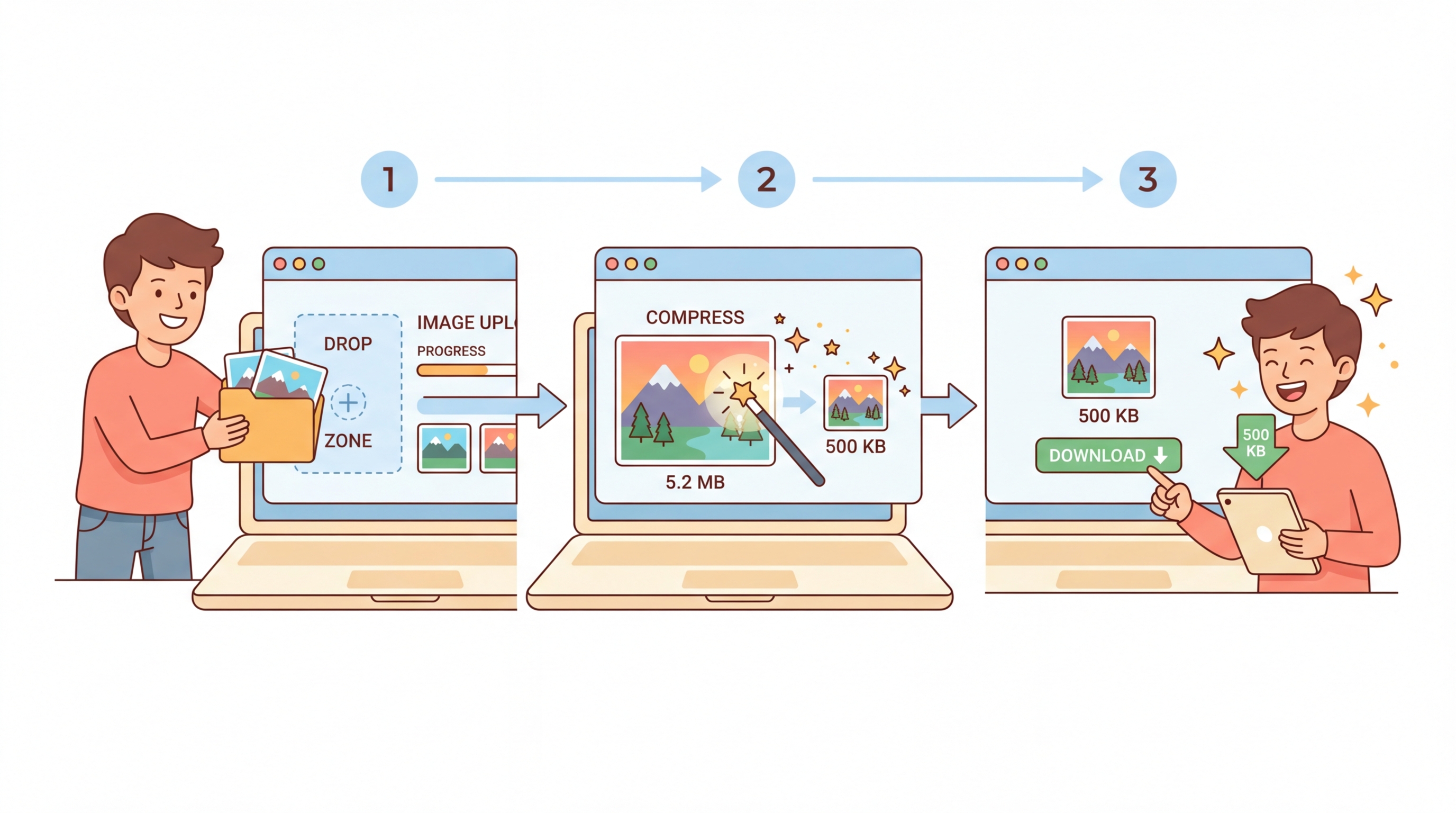
Our AI Image Compressor uses smart compression algorithms powered by GPT-5 analysis to intelligently reduce file sizes while preserving visual quality. Everything runs directly in your browser for maximum privacy and speed.
Three Simple Steps:
Step 1: Upload Your Images — Drag and drop or click to select images from your device. Supports JPEG, PNG, WebP, and GIF formats up to 10MB each.
Step 2: AI Analyzes & Compresses — The compression engine analyzes each image to determine the optimal balance between file size and visual quality based on your settings.
Step 3: Download Optimized Files — Review the before/after comparison, see how much space you saved, and download your compressed images individually or all at once.
Adjust quality, change output format, or resize dimensions to get exactly the result you need.
Why Use Our AI Image Compressor
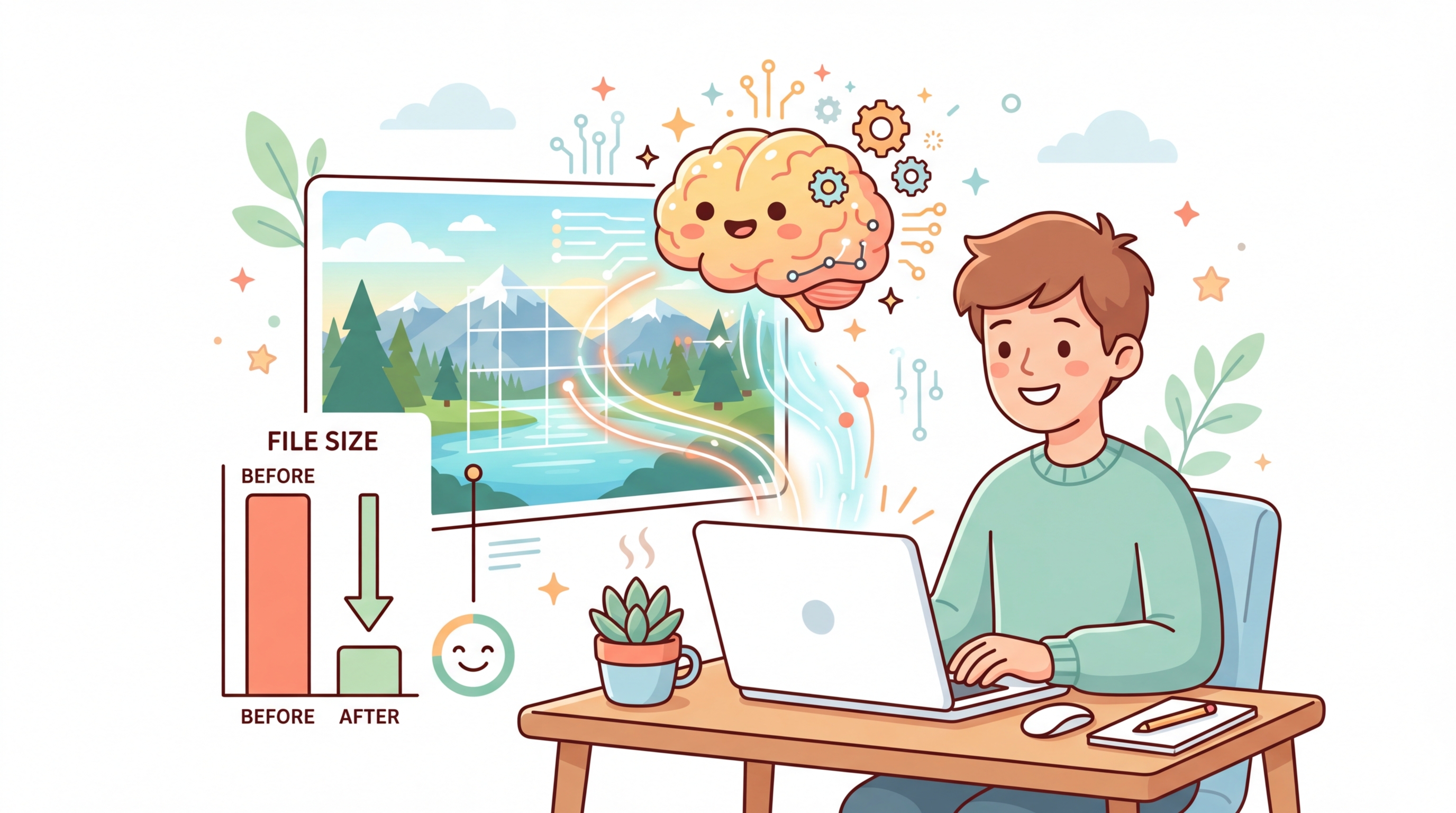
AI-Powered Smart Compression
Unlike basic compression tools, our AI-powered engine analyzes image content to intelligently decide where to reduce data and where to preserve detail. This means sharper edges, better color accuracy, and smaller files compared to one-size-fits-all compressors.
Batch Processing
Upload multiple images at once and compress them all in a single click. Perfect for web developers optimizing entire image galleries, marketers preparing social media assets, or anyone who needs to reduce the size of many files quickly.
Privacy First
Your images never leave your device. All compression happens directly in your browser using client-side processing. No uploads to any server, no data stored, no tracking. Your files stay 100% private and secure at all times.

Free, No Sign-Up Required
Compress as many images as you want with no account creation, no watermarks, and no usage limits. A truly free tool designed to help you optimize images for websites, emails, social media, and more.
Frequently Asked Questions
AI image compression uses intelligent algorithms to analyze your image content and determine the optimal way to reduce file size while preserving visual quality. Unlike traditional compression that applies uniform reduction, AI-powered compression identifies which areas of an image can tolerate more compression (like smooth backgrounds) and which need to stay sharp (like text and edges).
Typical compression ratios range from 40% to 90% depending on the image type, content, and quality setting. Photographs (JPEG) usually compress the most, often achieving 60-80% reduction. PNG graphics with solid colors can also see significant savings. WebP format generally produces the smallest files across all image types.
At the default quality setting of 80%, most images will show no visible difference to the human eye while being significantly smaller. You can adjust the quality slider to find your perfect balance: higher values preserve more detail, lower values produce smaller files. The real-time preview lets you compare before committing to a download.
This tool supports JPEG, PNG, WebP, and GIF formats. You can also convert between formats during compression — for example, upload a PNG and download as WebP for even greater savings. The "Same as Original" option keeps your current format while reducing file size.
Your images are 100% safe. All compression happens entirely in your browser using the HTML5 Canvas API. Your images are never uploaded to any server, never stored anywhere, and never seen by anyone. Once you close or refresh the page, all data is gone. This is the most private way to compress images online.
Yes! You can select or drag and drop multiple images at once. All selected images will be compressed with the same quality settings. After compression, you can download each file individually or use the "Download All" button to save them all at once. There is no limit on the number of images you can compress in a session.