Free HEIC to JPG Converter
Convert iPhone HEIC photos to JPG, PNG, or WebP instantly — right in your browser
Drag & drop HEIC/HEIF files here
or click to browse
Supports .heic and .heif files — Max 20MB per file
Everything You Need to Know
What is HEIC?
HEIC (High Efficiency Image Container) is Apple's default photo format since iOS 11. It offers better compression than JPG while maintaining quality.
Why Convert?
Many websites, apps, and devices don't support HEIC. Converting to JPG, PNG, or WebP ensures universal compatibility across all platforms.
Privacy First
Your photos never leave your device. All conversion happens 100% in your browser — nothing is uploaded to any server.
Batch Support
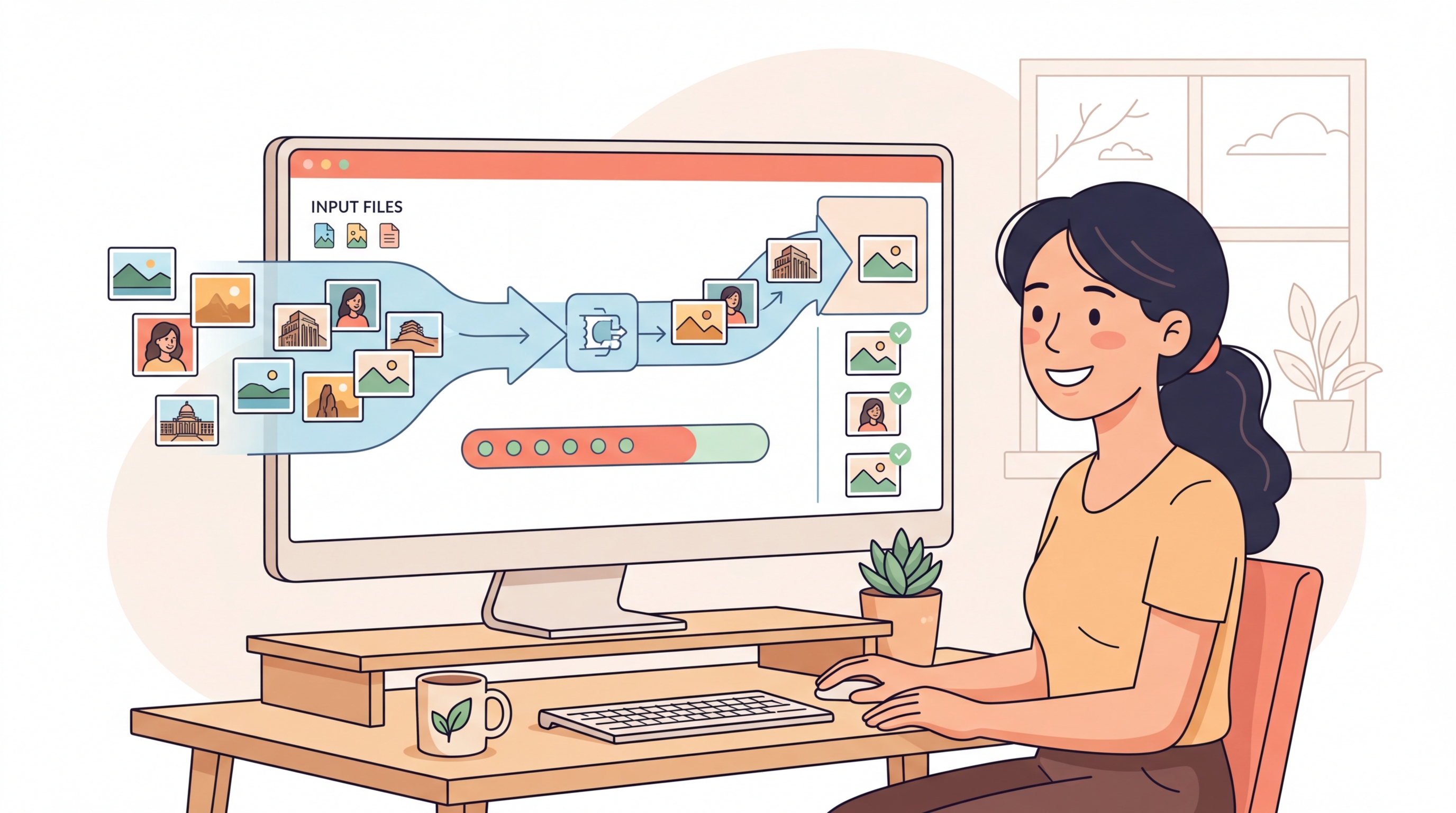
Convert multiple HEIC files at once. Select as many photos as you need and download them all in one go.
How It Works?
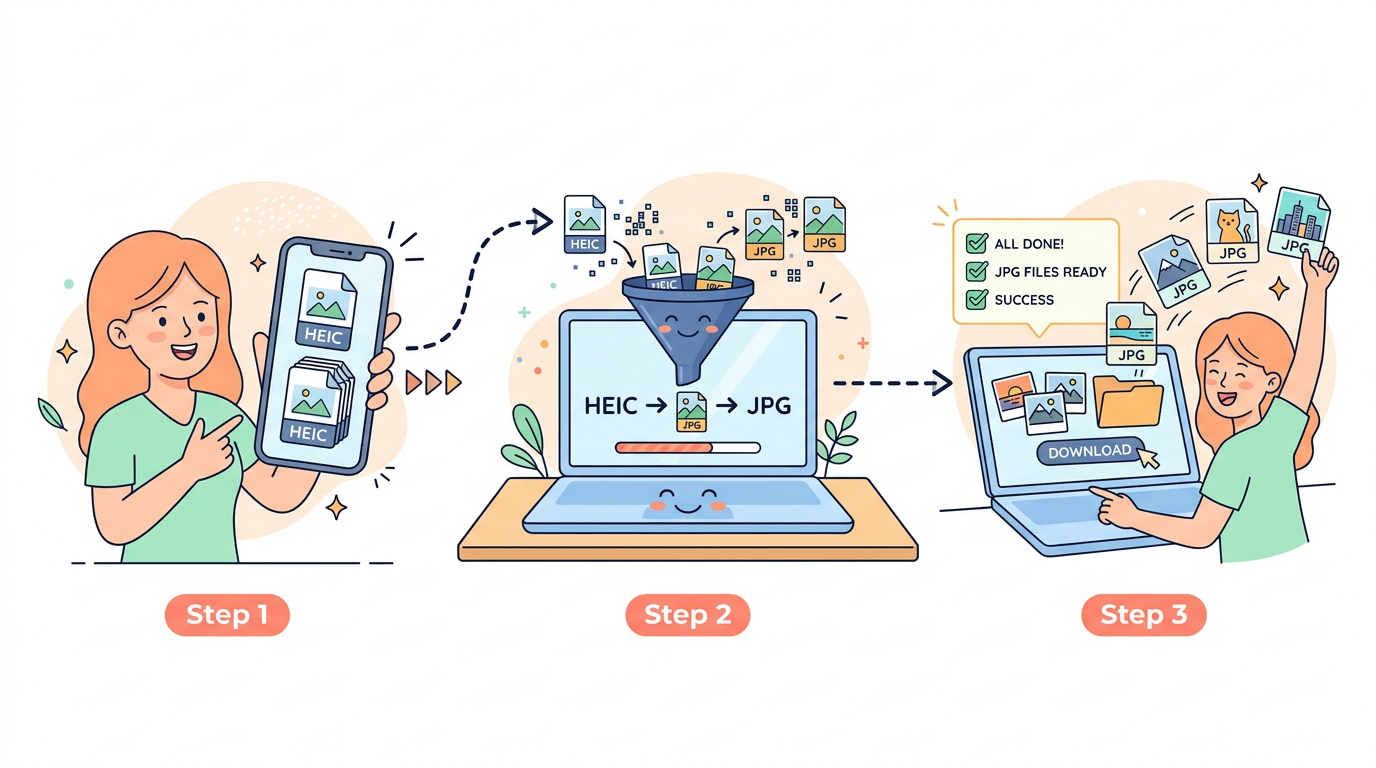
Our HEIC to JPG Converter runs entirely in your browser using advanced JavaScript decoding. No server uploads, no waiting, no privacy concerns.
Three Simple Steps:
Step 1: Upload HEIC Files — Drag and drop your .heic or .heif files into the upload zone, or click to browse. You can select multiple files at once.
Step 2: Choose Output Format — Pick JPG, PNG, or WebP as your output format. For JPG and WebP, adjust the quality slider to balance file size and image quality.
Step 3: Download Converted Images — Click "Convert" and download each file individually or use "Download All" to get everything at once.
The entire process takes seconds and your photos never leave your device.
Why Use Our HEIC to JPG Converter
100% Browser-Based
Your photos never leave your device. Unlike other converters that upload your images to remote servers, our tool processes everything locally in your browser. This means faster conversions and complete privacy — your personal photos stay personal.
Batch Conversion
Convert multiple HEIC files at once — no need to process them one by one. Select all your iPhone photos, hit convert, and download everything in seconds. Perfect for processing vacation albums or large photo libraries.
Multiple Formats
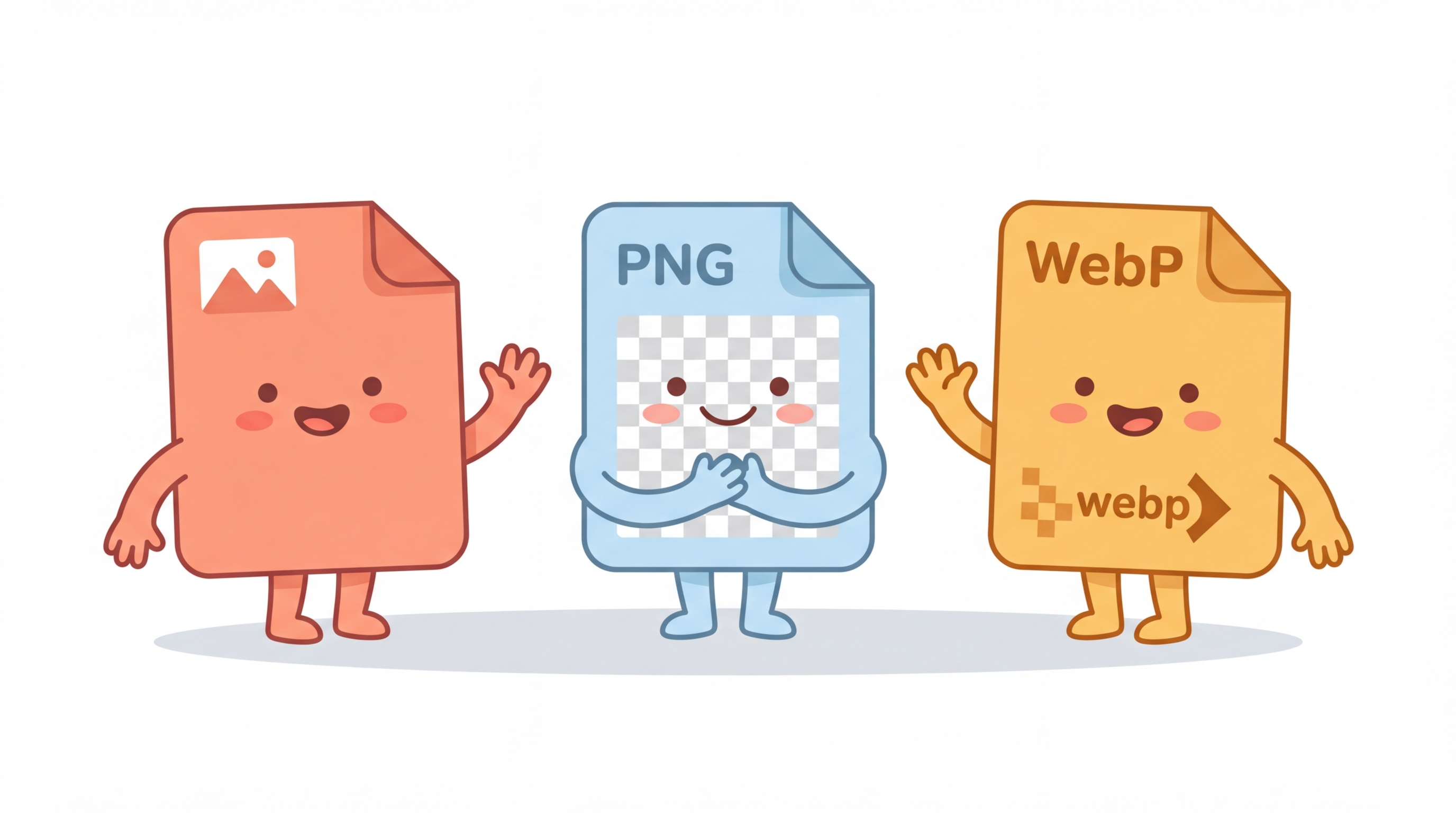
Export to JPG for maximum compatibility, PNG for lossless quality, or WebP for the best of both worlds. Adjust the quality slider to find the perfect balance between file size and image quality for your needs.
Frequently Asked Questions
HEIC (High Efficiency Image Container) is a modern image format developed by the MPEG group. Apple adopted it as the default photo format on iPhones and iPads starting with iOS 11. HEIC files offer significantly better compression than JPG — meaning smaller file sizes with the same or better image quality.
Apple chose HEIC because it produces photos that are roughly half the file size of equivalent JPGs while maintaining the same visual quality. This saves significant storage space on your iPhone. HEIC also supports advanced features like Live Photos, depth maps, and transparency that JPG cannot handle.
Absolutely. This converter runs entirely in your browser using JavaScript. Your photos are never uploaded to any server — all processing happens locally on your device. Once you close the page, all data is gone. There is no server-side processing, no storage, and no tracking of your images.
You can convert HEIC files to three formats: JPG (best for general use and maximum compatibility), PNG (lossless quality, larger file size, supports transparency), and WebP (modern format with excellent compression and quality, supported by all major browsers).
Yes! You can select multiple HEIC files at once or drag and drop a batch of files into the upload zone. All selected files will be converted together, and you can download them individually or use the "Download All" button to save everything at once.
Each file can be up to 20MB. Since processing happens in your browser, very large files may take a bit longer to convert depending on your device's processing power. For best performance, we recommend converting files in batches of 10-15 at a time.