Free WebP Converter
Convert JPG/PNG to WebP or WebP to JPG/PNG — reduce image sizes by up to 30%
Drag & drop JPG or PNG images here
or click to browse (max 10 MB per file)
Drag & drop WebP images here
or click to browse (max 10 MB per file)
Converted Files
About WebP Format
What is WebP?
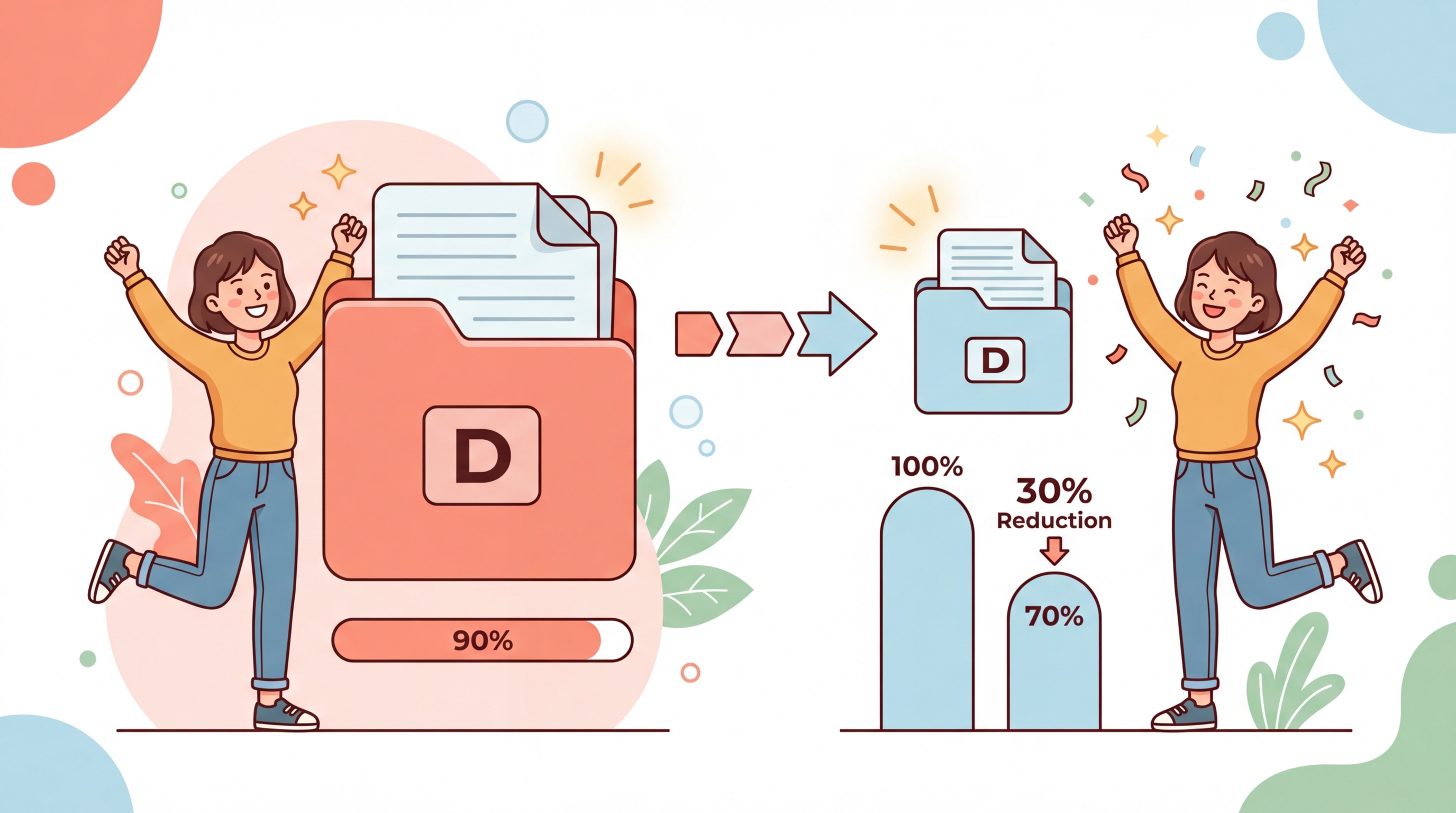
Google's modern image format that provides superior compression — up to 30% smaller than JPEG with the same quality.
Browser Support
Supported by all modern browsers including Chrome, Firefox, Edge, and Safari. Over 97% global coverage.
Lossless & Lossy
WebP supports both lossless and lossy compression modes, plus transparency (alpha channel) like PNG.
Privacy First
All processing happens entirely in your browser. Your images are never uploaded to any server.
How It Works?
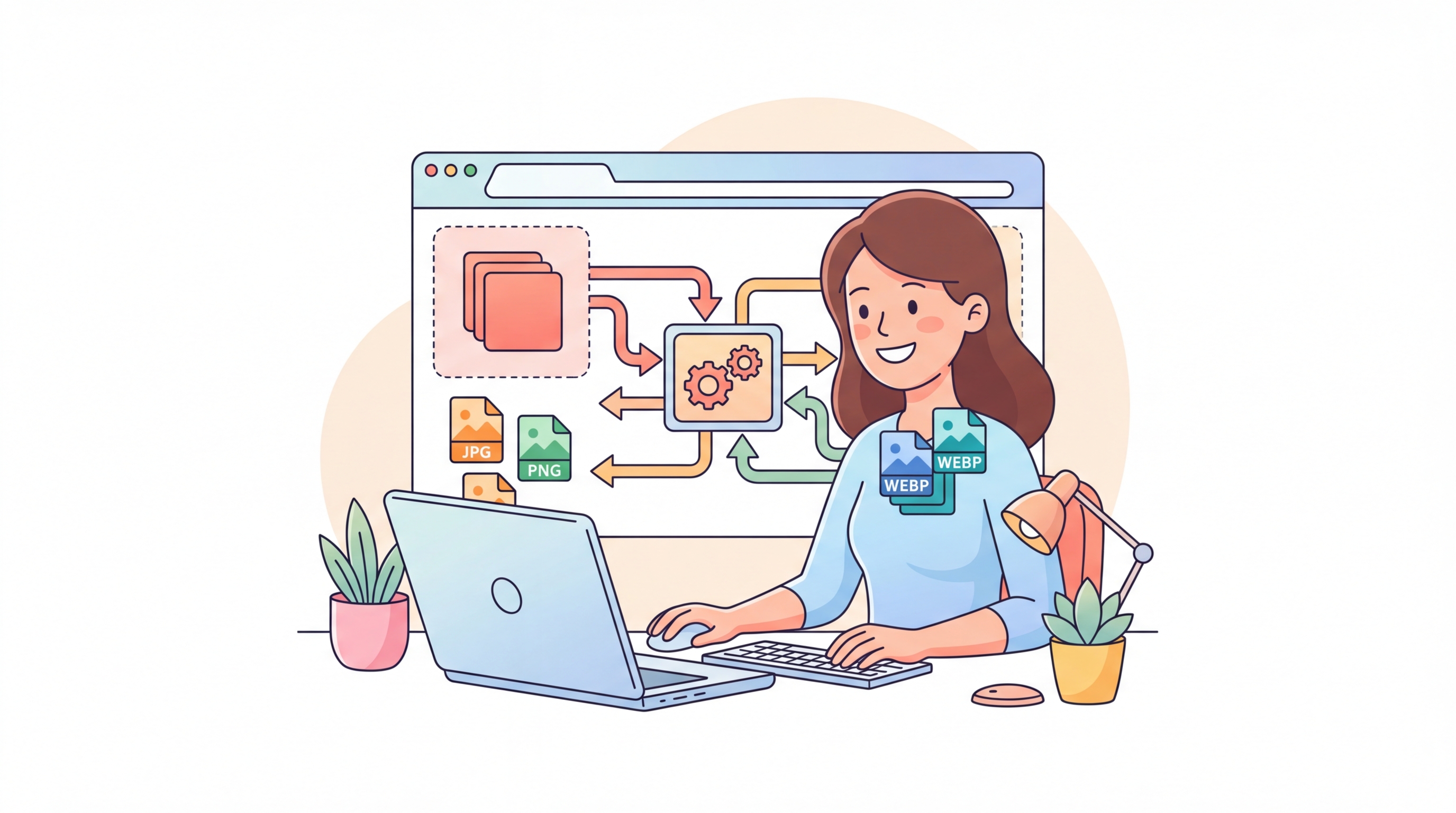
This free WebP converter runs entirely in your browser using the HTML5 Canvas API. No server uploads, no waiting — just instant, private image conversion.
Three Simple Steps:
Step 1: Choose your conversion direction — convert to WebP (from JPG, PNG, GIF, BMP) or convert from WebP (to JPG or PNG).
Step 2: Upload your images by dragging and dropping or browsing. Adjust the quality slider if needed.
Step 3: Click "Convert" and download your converted files individually or all at once.
That's it — no sign-up, no watermarks, no limits on conversions.
Why Use Our WebP Converter
Faster Page Load
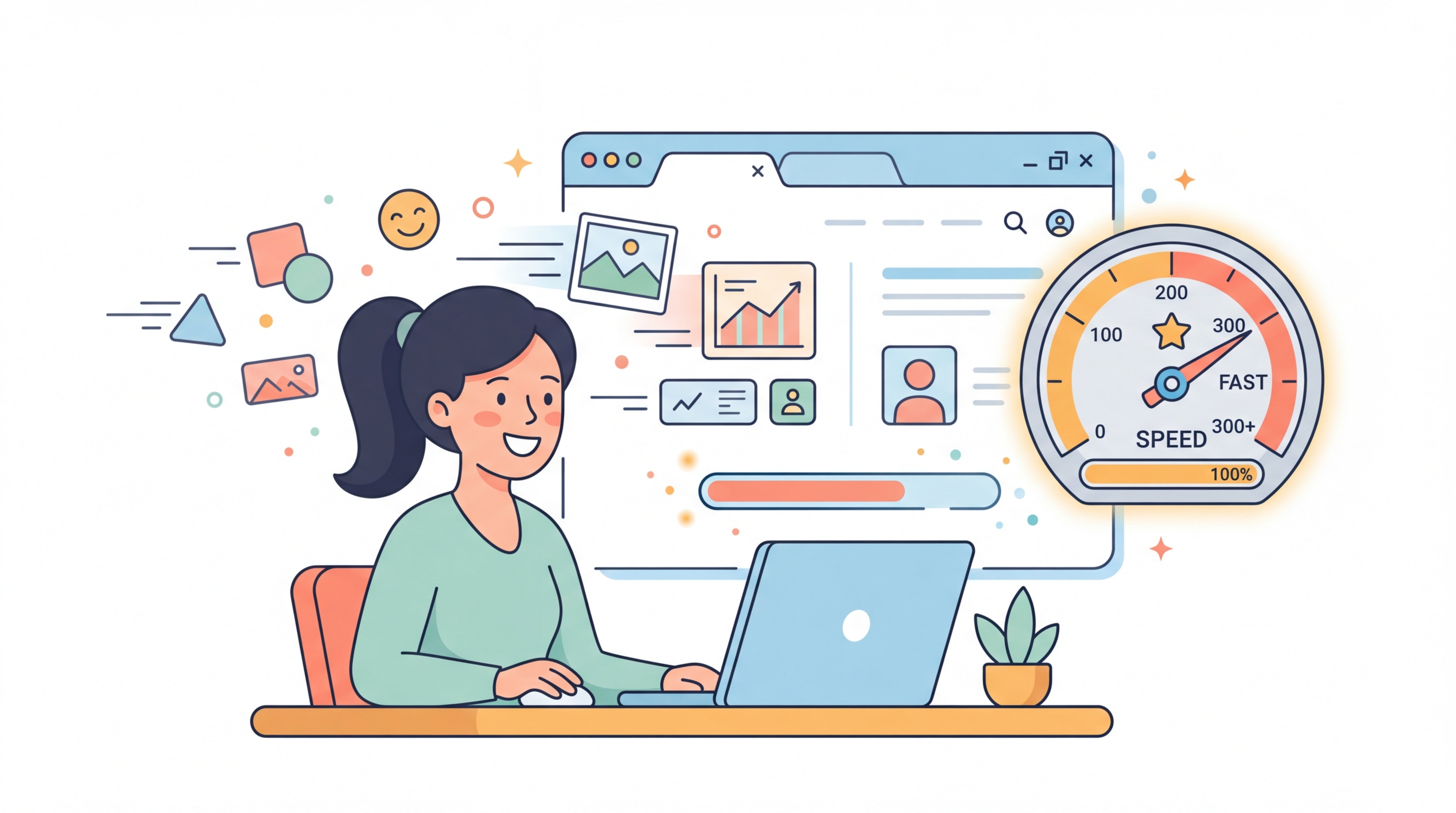
WebP images load up to 30% faster than equivalent JPEG or PNG files. Converting your website images to WebP can dramatically improve page speed scores and user experience, directly boosting your SEO rankings.
Batch Conversion
Convert multiple images at once instead of one by one. Select all your images, adjust quality once, and download everything in a single click. Perfect for web developers and content creators.
Zero Upload — Complete Privacy
Your images never leave your device. Unlike most online converters that upload files to remote servers, this tool processes everything locally in your browser using the Canvas API. Complete privacy guaranteed.
Two-Way Conversion
Need to convert TO WebP for your website? Or FROM WebP back to JPG/PNG for compatibility? This tool handles both directions with adjustable quality settings to find the perfect balance between file size and image quality.
Frequently Asked Questions
WebP is a modern image format developed by Google that provides superior lossless and lossy compression for images on the web. WebP images are typically 25-35% smaller than comparable JPEG or PNG files while maintaining the same visual quality, making websites load faster and use less bandwidth.
WebP offers significantly smaller file sizes compared to JPEG and PNG, which means faster page loads, lower bandwidth costs, and better Core Web Vitals scores. Google recommends WebP as a next-gen image format, and using it can directly improve your website's SEO ranking and user experience.
WebP is supported by all modern browsers: Google Chrome, Mozilla Firefox, Microsoft Edge, Safari (14.0+), and Opera. As of 2024, WebP has over 97% global browser support, making it safe to use for virtually all web visitors.
Yes! This tool supports two-way conversion. Use the "From WebP" tab to convert WebP images back to JPG or PNG format. This is useful when you need to use images in applications or platforms that don't support WebP, or when you need to edit images in software that requires traditional formats.
Each individual file can be up to 10 MB. Since all processing happens in your browser, very large files may take a moment depending on your device's processing power. There is no limit on the number of conversions you can perform.
Yes, WebP supports transparency (alpha channel) just like PNG, but with much smaller file sizes. When converting PNG images with transparency to WebP, the transparent areas are preserved. If you convert to JPG (which doesn't support transparency), transparent areas will be filled with a white background.